

RunComfy Agent Skills
30 Claude skills for RunComfy model endpoints (image, video, audio, vision)
What You Can Do
Access 30+ RunComfy model endpoints directly from Claude Code, including image-to-video, video-editing, AI image generation, AI video generation, and music composition. Each skill wraps a production endpoint with schema validation and intent-based routing. Use the RunComfy CLI to generate, inpaint, outpaint, and transform media from ACE Step music (tag-driven, $0.0002/s) to video and image models. Skills route automatically based on your request intent.
Features
Automatic endpoint selection based on what you ask for (music gen request routes to ACE Step, video request routes to video endpoint)
Single skill exposes multiple routes (ACE Step includes text-to-audio, inpaint, outpaint, allowing generation, editing, and extension in one skill)
ACE Step music uses comma-separated tags for composition control (genre, mood, instruments, BPM) instead of free-text prompts
RunComfy pricing significantly cheaper than competing APIs (ACE Step $0.0002/s vs ElevenLabs Music $0.0083/s, 27x savings)
Every endpoint has explicit input/output schema with field-level validation before hitting the RunComfy API
Skills default to open-weights models (Apache 2.0) like ACE Step, with commercial alternatives available for specific use cases
Chain generation, inpaint, and outpaint calls to build complex media pipelines (draft cheap, polish premium)
Example Output
Tag-driven instrumental music generation:
runcomfy run acestep-ai/ace-step/text-to-audio \
  --input '{"tags": "lo-fi hip-hop, mellow, vinyl crackle, rhodes piano, soft drums, 75 BPM", "lyrics": "[inst]", "duration": 90}' \
  --output-dir ./out
Generates a 90-second lo-fi hip-hop track with the specified vibe and instrumentation.
Audio inpainting (regenerate a section):
runcomfy run acestep-ai/ace-step/audio-inpaint \
  --input '{"audio": "https://your-cdn.example/original-track.mp3", "tags": "indie pop, breakdown, piano only, soft, no drums", "start_time": 20, "end_time": 40, "lyrics": "[inst]"}' \
  --output-dir ./out
Replaces the 20 to 40 second segment of an existing track with a new bridge matching the specified vibe.
Audio outpainting (extend a track):
runcomfy run acestep-ai/ace-step/audio-outpaint \
  --input '{"audio": "https://your-cdn.example/hook-30s.mp3", "tags": "indie pop, electric guitar, drums, build-up before chorus, fade outro", "extend_before_duration": 30, "extend_after_duration": 60, "lyrics": "[inst]"}' \
  --output-dir ./out
Turns a 30-second hook into a 2-minute track by adding a 30-second intro and 60-second outro.
What's Included
- 30 production skills: Full catalog of image-to-video, video-edit, image generation, video generation, music generation, and specialized routers
- RunComfy CLI integration: Each skill uses the runcomfy CLI to invoke endpoints with schema-validated input and automatic output handling
- Multi-route endpoints: Skills like ACE Step expose 4+ routes (text-to-audio base, text-to-audio 1.5, audio-inpaint, audio-outpaint) in one package
- Schema validation and error handling: Every endpoint has explicit input schema, field validation, type checking, and exit codes for debugging
- Detailed documentation: Each skill includes route selection guide, schema tables, usage examples, prompting tips, and cost breakdowns
- Security and privacy defaults: Token management via ~/.config/runcomfy/token.json (0600), HTTPS-only API calls, no shell-injection surface
Who It's For
- AI developers and prompt engineers
- Content creators (music, video, image)
- Game developers and indie studios
- Batch processing and automation builders
- Cost-conscious teams scaling media generation
Best For
- High-volume, cost-sensitive content generation
- Multi-modal media pipelines (generate, edit, extend)
- Automatic model selection based on user intent
- Production-grade schema validation and error handling
- Open-weights model pipelines
You might also like
This comprehensive collection includes 79 dedicated agent skills for all major Azure services and operations. You can automate Azure resource deployment and management, query infrastructure and logs with natural language using Kusto Graph and IRQL, analyze security events and detect threats, configure identity and access management through Entra ID, monitor application performance with Application Insights, manage storage and messaging services, execute cloud migration workflows, validate compliance policies, and query Azure resources by metadata or properties.

You can create comprehensive turnaround plans that optimize crew changes, passenger logistics, and vendor coordination while meeting port compliance requirements. This skill helps you manage multiple operational streams in parallel, anticipate delays, and maintain clear communication with all stakeholders involved in cruise ship port visits.
Search the web, scrape URLs into markdown/HTML/screenshots/links/images, extract structured JSON with AI prompts, crawl multi-page sites, and monitor pages for changes on a schedule. Supports browser automation features like JavaScript rendering, stealth mode, cookies, and custom headers. Perfect for data engineers, researchers, and developers who need API-free web data collection without writing scrapers.

You can accelerate the preliminary design phase of shipbuilding projects by analyzing design briefs against regulatory standards, evaluating hull resistance and propulsion requirements, and generating technical compliance documentation. This skill helps naval architects and marine engineers validate design concepts early, identify compliance gaps before detailed design begins, and produce documentation suitable for regulatory review boards and client presentations.
This collection of skills improves code quality, architecture documentation, and team workflow coordination. Review Architecture Decision Records with fresh perspective and rewrite them for clarity, implement type-safe AST visitor patterns for robust code organization, automate Biome linting upgrades across monorepos, and generate well-structured GitHub pull requests integrated with Linear project tracking. Perfect for teams that care about maintainable code, clear decision documentation, and smooth development workflows.
This comprehensive skill collection guides you through creating professional videos programmatically using Remotion and React. Create new video projects, structure complex multi-scene compositions, and animate content with full interactivity. Add captions by transcribing audio, importing SRT files, or generating them programmatically. Build animated maps with Mapbox, MapLibre, or GeoJSON, including 3D geographic flyovers. Process multimedia by trimming, cropping, and extracting metadata from video and audio files.
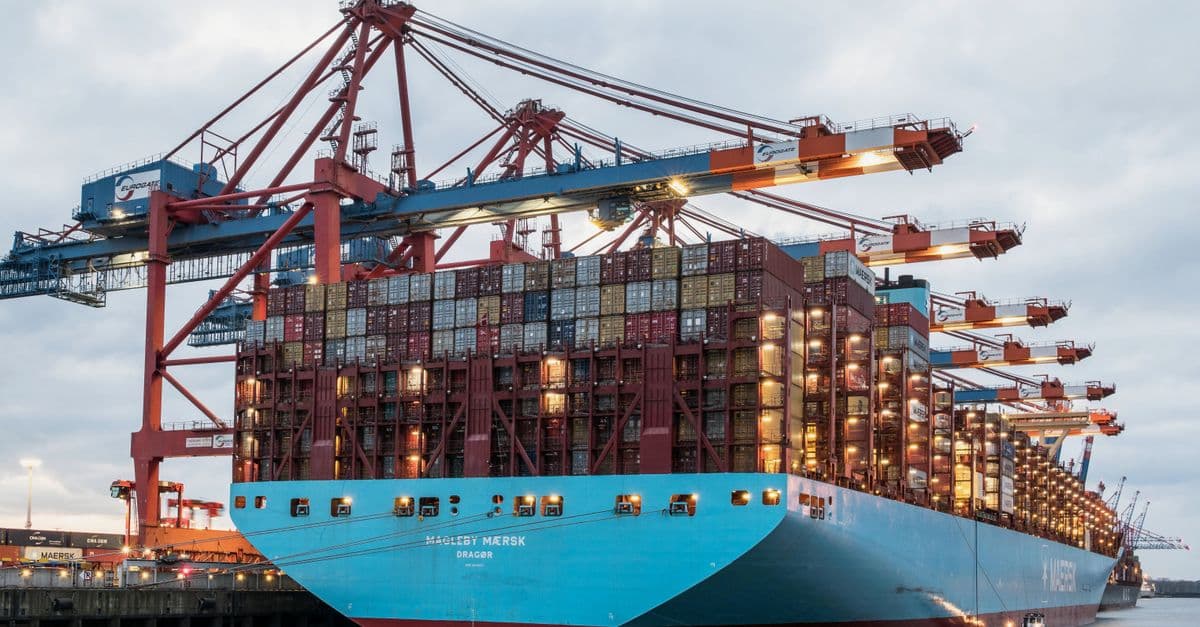
This skill rapidly analyzes ship hulls for hydrodynamic performance, stability characteristics, and maritime regulatory compliance. You provide hull geometry data, design parameters, or vessel specifications, and Claude performs comprehensive assessments including resistance predictions, stability calculations, and compliance checks against IMO and classification society standards. Accelerate your design iteration cycles by automating preliminary analysis that normally requires specialized software and weeks of external consultant review.

You can input your small craft specifications, blueprints, or design parameters and receive detailed technical analysis, regulatory compliance documentation, and comprehensive design reports. The skill generates specification sheets, material recommendations, performance calculations, and safety documentation tailored to your vessel type and intended use.