


GPU Memory Optimization Analyzer
Analyze GPU memory bottlenecks and deliver platform-specific optimization strategies

What You Can Do
You can upload rendering code, shader configurations, and asset specifications to receive a detailed GPU memory analysis that pinpoints your highest-impact bottlenecks. The skill delivers platform-specific VRAM budgets, prioritized optimization strategies, and trade-off recommendations that help you hit frame rate targets across mobile, console, and PC hardware without sacrificing visual quality where it matters most.
Features
systematically profile texture resolution, material complexity, mesh data, and shader workloads to find your biggest VRAM consumers
establish realistic memory allocations for mobile, console, and PC targets with justified constraints
evaluate shadow resolution, reflection techniques, particle systems, and post-processing effects for memory efficiency
receive prioritized optimization strategies ranked by impact (frame rate improvement, memory savings, visual trade-offs)
identify memory fragmentation, allocation stalls, and real-time resource management issues affecting stuttering
get communication-ready summaries explaining technical limitations to designers and stakeholders
learn bind group optimization, texture streaming approaches, and dynamic LOD configurations for each platform
Example Output
Input: GPU profiler data showing 2.4GB VRAM usage on Switch, with high-resolution shadow maps (1024x1024) and 4K base textures.
Output:
Priority 1 (Est. 800MB savings, +12fps): Reduce shadow atlas to 512x512, use cascaded shadow maps. Switch to 1K base textures with aggressive streaming. Impact: Minimal visual difference at play distance.
Priority 2 (Est. 400MB savings, +6fps): Replace screen-space reflections with cubemap probes (16 total). Reduce particle memory pooling from 256MB to 128MB with shorter lifespans.
Platform Variance: PC supports 6GB allocations; implement high-quality path with 2K textures and full resolution shadows. Mobile requires 512MB tier with optimized mesh LODs and 512x512 textures.
Risk Assessment: Shadow quality reduction most visible in indoor scenes; recommend gameplay testing focus on these areas.
What's Included
- SKILL.md instruction file with GPU analysis methodology and platform profiling framework:
- GPU Memory Audit Template: spreadsheet for tracking texture sizes, shader complexity, mesh data, and real-time allocations per platform
- Platform VRAM Budget Breakdown: pre-configured budgets for mobile (2GB), console (8GB), and PC (12GB) with justification notes
- Optimization Priority Scorecard: framework for ranking optimizations by frame rate impact vs. visual quality trade-off
- Asset Configuration Specification: template for documenting LOD chains, texture streaming rules, and material simplification per platform
Who It's For
- Technical Artists — optimize rendering pipelines and asset configurations without deep programming knowledge
- Game Programmers — bridge profiler data and visual requirements with platform-specific recommendations
- Graphics Programmers — analyze shader and texture memory usage patterns and identify rendering technique alternatives
- Production Teams — establish data-driven VRAM budgets and communicate platform constraints early in development
- QA/Performance Engineers — diagnose frame rate issues and memory pressure correlations with reproducible analysis
Best For
- Analyzing GPU memory usage on console, mobile, or PC platforms during development or pre-launch
- Establishing platform-specific VRAM budgets with realistic asset constraints and visual quality targets
- Debugging frame rate stuttering or pacing issues caused by memory allocation patterns or fragmentation
- Optimizing texture atlases, shadow maps, and reflection systems for specific hardware tiers
- Communicating technical constraints and trade-offs to design and art teams with justified recommendations
You might also like

You can systematically design menu hierarchies and interaction flows that feel responsive and intuitive for game players. This skill helps you map complete player journeys through nested menus, define state transitions for complex scenarios (like pause-while-paused), establish consistent interaction patterns across your UI, and identify edge cases before implementation. You'll document specifications that programmers and junior designers can follow, ensuring accessible navigation that respects controller/keyboard constraints and 100ms feedback expectations.

You'll convert game design briefs into comprehensive visual direction documents that guide concept artists and 3D modelers through pre-production. This skill generates aesthetic frameworks, curates style references, specifies character and environment requirements, documents technical constraints, and produces mood board descriptions—all formatted for immediate team alignment and reference during production. Instead of iterating through clarifying questions, you'll have structured documentation that translates vague creative intent into actionable visual guidelines.

You can model complex in-game economies by describing currency flows, progression curves, and monetization systems in natural language, then have Claude validate the math, simulate outcomes across player cohorts (free players, mid-tier spenders, whales), identify inflation breakpoints, and stress-test against exploits. This lets you iterate on balance rapidly without building spreadsheets, catching economy-breaking issues before they damage retention.
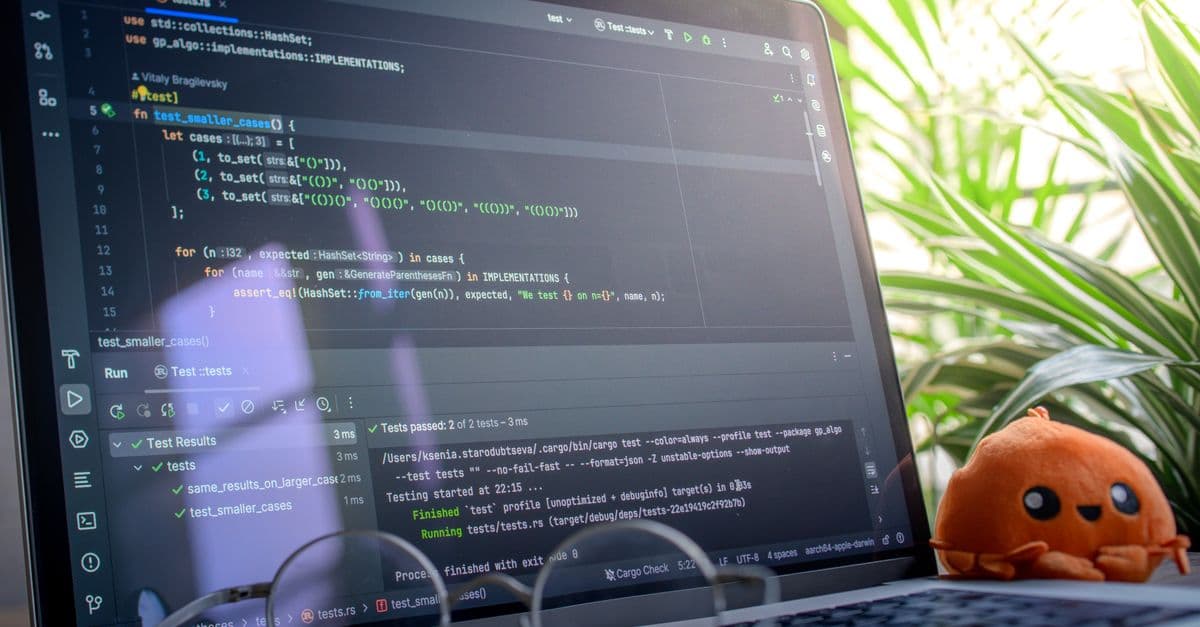
You can rapidly categorize network issues (latency vs. sync vs. bandwidth), instrument networked game systems for visibility, identify common netcode anti-patterns by their telltale signatures, generate reproducible test cases for various network conditions, debug server-client state reconciliation failures, and profile network code paths to optimize bandwidth. This skill transforms vague player reports into actionable diagnosis data that pinpoints whether desynchronization, rubber-banding, packet loss, or authority violations are the root cause.

You'll develop dynamic music systems using layered composition, state mapping, and parameter control. This skill teaches you to design vertical remixing (adding/removing musical layers) and horizontal sequencing (transitioning between musical sequences) based on game conditions. You'll create clear technical specifications that bridge creative composition and programmer implementation, enabling music that adapts seamlessly to player actions, environmental shifts, and gameplay intensity.
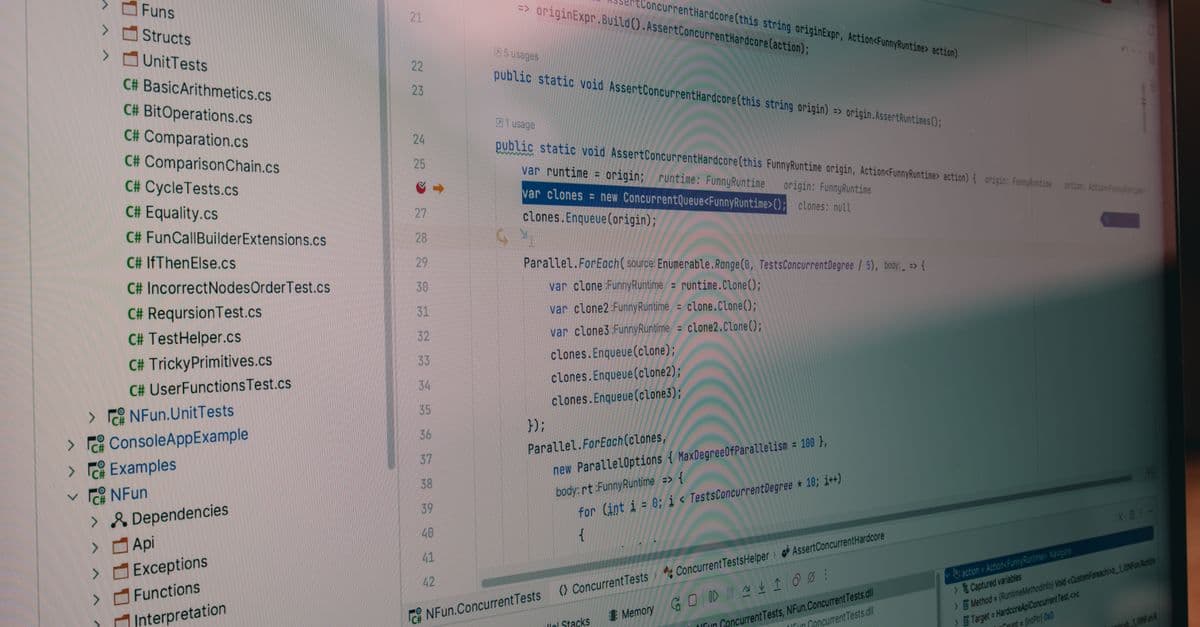
You can analyze shader compilation logs across multiple graphics APIs, automatically detect common shader errors and cross-platform compatibility issues, and receive actionable optimization recommendations for your studio's shader build infrastructure. Claude helps you identify performance regressions, validate that new shader code meets performance targets, and document compilation requirements for team onboarding—turning complex multi-API shader validation into a systematic, repeatable process.

You can conduct rigorous multiplayer balance audits by analyzing win-rate metrics, pick rates, and play-pattern data against competitive design benchmarks. The framework helps you pinpoint whether imbalance stems from hero/character design, map asymmetries, economy systems, or meta-game health—then propose prioritized, data-backed solutions that resonate with producers, engineers, and community managers.

You can deconstruct complex game environments into implementable audio layers—base drones, environmental textures, dynamic elements, and spatial effects—each with detailed technical specifications. Claude helps you generate mixing parameters (EQ, dynamics, spatial placement), map emotional intent to audio characteristics, and create ambience variation systems that respond to game state changes like time of day, weather, or player progression.