


Wedding & Event Shot List Optimizer
Generate venue-specific shot lists and timelines for wedding and event videography
What You Can Do
You generate detailed, actionable shooting plans that synchronize with your event timeline while accounting for physical venue constraints, natural light windows, and client priorities. The skill creates venue-specific shot lists that reduce on-set decision fatigue, coordinate with other vendors, and ensure you capture all critical moments regardless of challenging lighting or multi-location logistics.
Features
Aligns shots with event schedule, accounting for vendor coordination and natural light windows
Generates location-specific shooting positions, backup indoor alternatives, and guest movement patterns
Organizes shots by criticality with flagged unmissable moments and contingency backups
Customizes shot lists based on style, cultural moments, and specific client requests
Creates cohesive shooting plans for ceremonies, receptions, and transition spaces with time allocation
Identifies golden hour windows, indoor lighting challenges, and optimal shooting timeframes
Generates shareable timeline notes for photographers, planners, and coordinators
Example Output
Example 1: Wedding Ceremony & Reception Plan
- 8:00 AM: Bride prep (natural window light, 20 min)
- 10:30 AM: Ceremony entrance (backlit golden hour, establish wide then close-ups)
- 11:15 AM: First kiss & recessional (fast pacing, multiple angles)
- 12:00 PM: Cocktail hour (outdoor garden, side-light priority)
- 2:00 PM: Reception entrance (low ballroom light — bring backup lighting setup)
- [FLAGGED] Father-daughter dance (unmissable, position 2 cameras)
Example 2: Corporate Conference Plan
- 9:00 AM: Keynote speaker (stage lighting established, wide + close-ups)
- 11:30 AM: Networking break (ambient capture in well-lit lobby)
- 1:00 PM: Panel discussion (multiple speaker angles, audience reaction shots)
- 3:00 PM: Award ceremony (formal lighting, tight on honorees)
What's Included
- SKILL.md instruction file with role definition and usage guidelines:
- Customizable timeline template (ceremony, reception, multi-location events):
- Venue constraint checklist (lighting, access points, audio/visual infrastructure):
- Priority shot sequence framework (flagged unmissable moments + contingencies):
- Client preference intake form (style, cultural moments, specific requests):
- Vendor coordination timeline (shareable notes for photographers and planners):
Who It's For
- Wedding videographers (primary cinematographers planning full-day coverage)
- Event videographers (corporate events, celebrations, conferences)
- Freelance videographers (managing client expectations and logistics)
- Video production coordinators (planning multi-crew event shoots)
- Wedding planners and coordinators (coordinating with videography team)
Best For
- Creating detailed shot lists for new client bookings with custom preferences and venue requirements
- Planning multi-location events with time constraints (ceremonies, receptions, transitions)
- Managing challenging venues (low-light ballrooms, outdoor ceremonies, unpredictable weather)
- Coordinating shooting timelines with photographers, planners, and other vendors
- Developing contingency plans for weather-dependent outdoor elements and lighting changes
You might also like
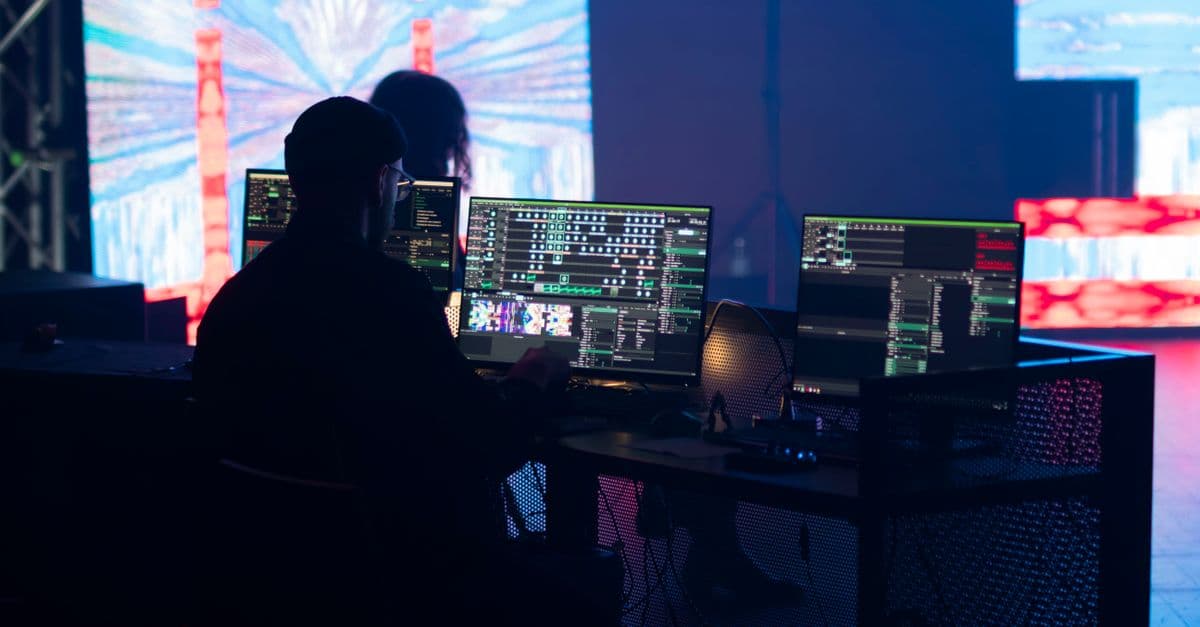
This skill accelerates your compositing pipeline by helping you plan multi-layer strategies before node construction, quickly diagnose rendering bottlenecks and technical failures, and structure complex workflows for keying, tracking, and rotoscoping. You get systematic guidance on layer organization, pass management, and optimization techniques that reduce iteration time and improve shot delivery without replacing your creative judgment.
 by dliangthinks
Upload your asset specifications, render bottlenecks, or performance metrics, and receive a comprehensive optimization roadmap. Claude analyzes polygon topology, texture memory footprint, shader complexity, and LOD strategies specific to your target engine—whether game engines, live VFX systems, or AR/VR pipelines. You'll get concrete recommendations for polycount reduction, UV layout optimization, texture atlasing, and bake-versus-real-time lighting decisions, complete with documentation for handing off to animation and rigging teams.
by dliangthinks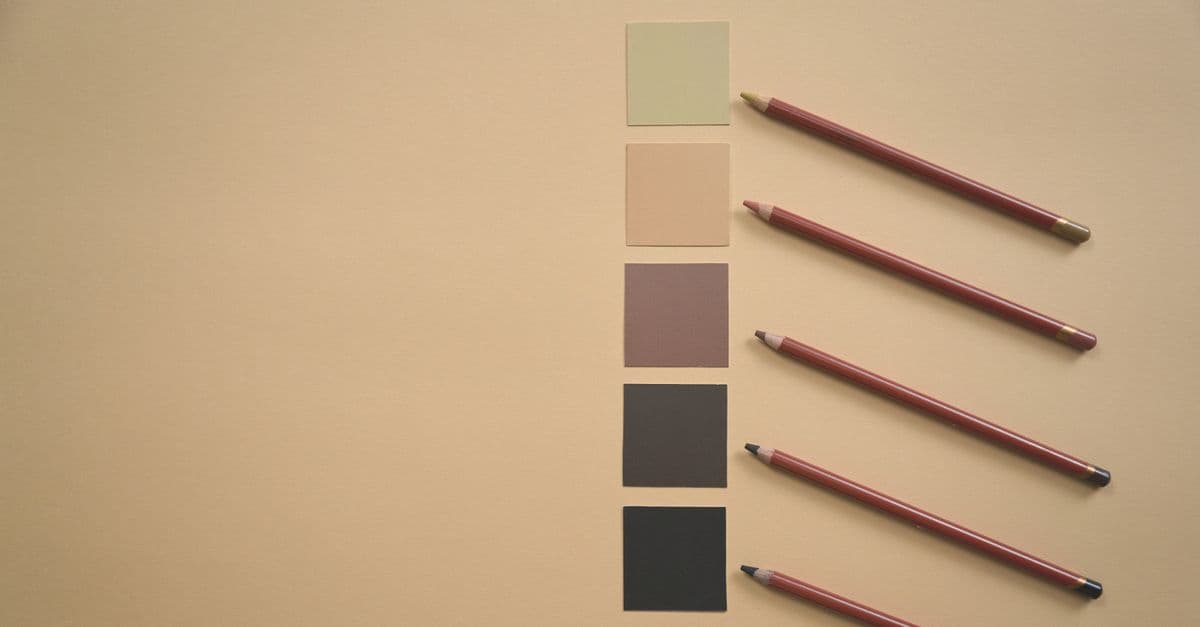
Plan comprehensive grade structures for multi-scene sequences, extract and analyze color palettes from reference imagery, generate technical LUT specifications for custom creation, and validate your grades against broadcast and cinema standards (ITU-R BT.709, DCI-P3, Rec.2020). This skill handles the analytical and planning work that precedes timeline color correction, helping you make faster aesthetic decisions and ensure technical compliance across projects.
by dliangthinks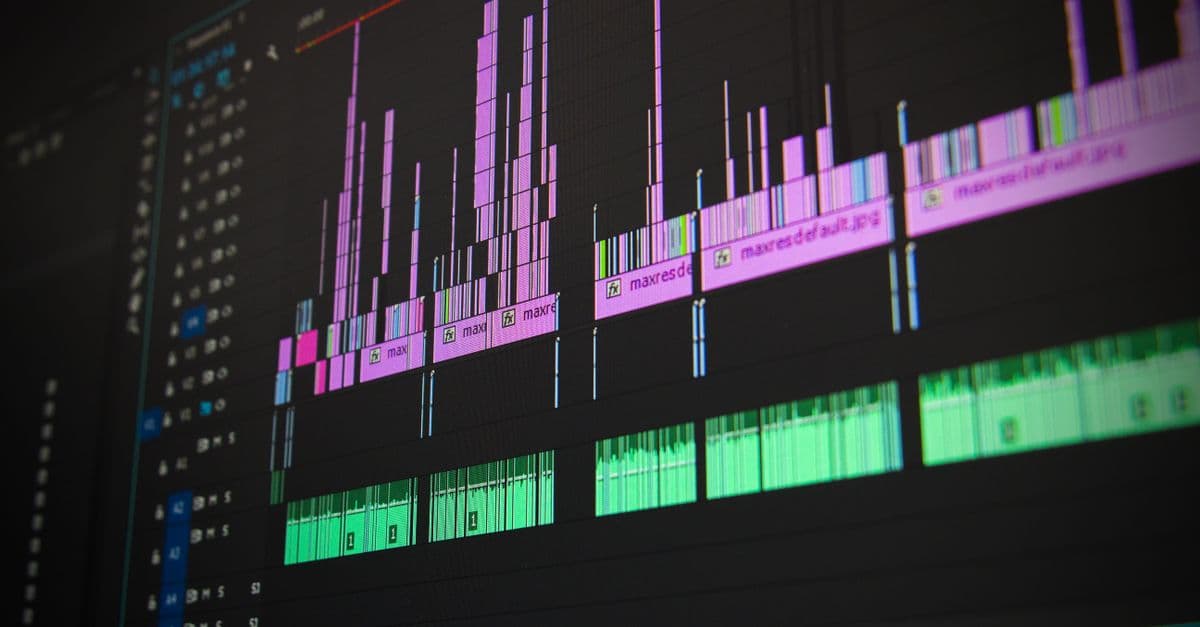
You can break down video content into individual frames and aligned audio segments at any interval you specify. This skill generates PNG images for visual analysis, extracts corresponding audio clips in AAC format, and creates a JSON manifest that maps every frame to its timestamp and audio file—perfect for preparing video content for detailed review, transcription workflows, or handing off to other agents for automated processing.
by dliangthinks
You'll design dynamic audio systems that shift music and sound effects in real-time based on gameplay intensity, player decisions, environmental conditions, and narrative branching. This skill guides you through building adaptive mixing strategies, stem-based music systems, and procedural audio routing that keeps audio responsive without becoming chaotic—allowing you to maximize asset reusability while maintaining sonic coherence across unpredictable gameplay states.
by dliangthinks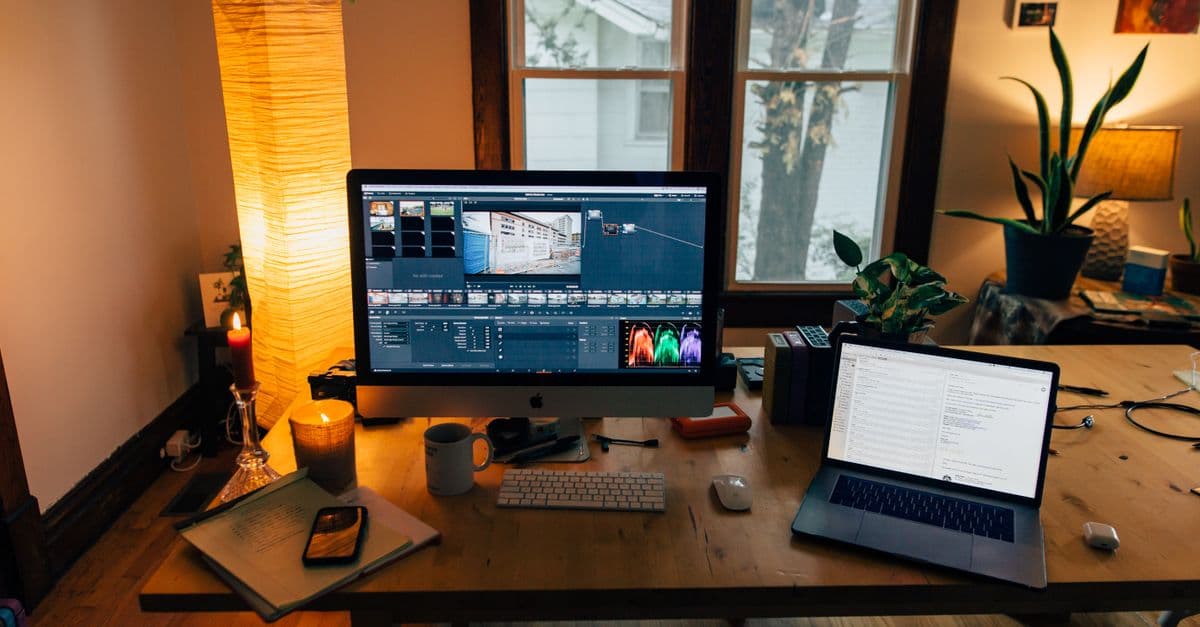
This skill helps you architect complete color strategies before grading sessions begin. You'll generate detailed shot-by-shot grading maps that synchronize visual mood to dynamic audio, develop LUT strategies for specific music genres with documented creative reasoning, establish technical parameter ranges per scene or musical section, and create mood board documentation that aligns stakeholder expectations early. By treating color as a primary creative element rather than post-production cleanup, you reduce revision cycles and deliver grades that amplify both narrative and musical intent.
by dliangthinks
Transform raw video analytics into platform-specific optimization plans that boost reach and engagement. You'll identify why certain videos outperform others, uncover trending patterns in your niche, optimize metadata and technical specs for algorithmic distribution, and systematically test creative approaches. This skill bridges creative instinct with data-driven decision-making to help you scale social video performance.
by dliangthinks
You can transform raw video footage into structured, professional content by leveraging AI to identify key moments, organize clips, transcribe audio, and augment with voiceovers, overlays, and subtitles. This skill guides you through a proven pipeline that emphasizes compression and smart structuring rather than AI generation—turning hours of footage into minutes of compelling content optimized for any platform.
by dliangthinks