


Sentry
Query Sentry issues and generate bug reports from the CLI
What You Can Do
This skill enables you to interact with Sentry programmatically via the command line. Authenticate securely, resolve short issue IDs to full bug reports complete with descriptions and stack traces, and extract event details for debugging and reporting purposes. It streamlines the workflow from issue identification to actionable bug report generation.
Features
configure auth tokens and verify credentials with proper scopes
resolve Sentry short IDs (e.g., PROJECT-123) to full issue details
fetch JSON event data including stack traces, breadcrumbs, and context
compile issue metadata, descriptions, and stack traces into formatted reports
extract numeric issue IDs from Sentry dashboard URLs automatically
query and structure event JSON for analysis and reporting
retrieve issues within authenticated org and project scope
Example Output
Example 1: Issue Lookup
Short ID: MYAPP-456
Resolved Issue: Type Error in checkout flow
Status: Unresolved
Error: "Cannot read property 'total' of undefined"
First Seen: 2024-01-15 09:22:14 UTC
Last Seen: 2024-01-16 14:38:02 UTC
Events: 24 occurrences
Example 2: Stack Trace Extract
File: /app/src/checkout.js:142
Function: calculateTotal()
Error: TypeError
Stack:
  at calculateTotal (/app/src/checkout.js:142:15)
  at processOrder (/app/src/order.js:58:10)
  at submitCheckout (/app/src/index.js:201:5)
What's Included
- SKILL.md: Complete Sentry CLI integration guide and primary workflow documentation
- Authentication template: environment variable setup and token configuration checklist
- Short ID resolution workflow: step-by-step process for converting IDs to bug reports
- jq filter templates: JSON query examples for extracting stack traces and metadata
- Security guidelines: practices for handling auth tokens and avoiding credential exposure
Who It's For
- Backend/Full-stack engineers — debugging production issues and investigating error reports
- DevOps/SRE teams — triaging incidents and analyzing error patterns across environments
- QA engineers — investigating bug reports and correlating errors with test sessions
- Technical leads — reviewing error trends and generating incident reports for stakeholders
Best For
- Retrieving full bug reports from short issue IDs
- Extracting stack traces and event details for root cause analysis
- Automating issue lookup workflows in scripts or CI/CD pipelines
- Correlating error events with user sessions and breadcrumbs
- Generating structured incident reports from Sentry data
You might also like

You create a living risk matrix that maps execution dependencies across parallel workstreams (legal, regulatory, financing, integration, tax, IT), automatically flags cascading failures where delays in one workstream compromise others, and generates mitigation plans prioritized by critical path impact. The skill translates deal structure, regulatory requirements, and counterparty timelines into a visual risk dashboard that you brief to deal committees weekly.
 by sonht1109
Write complex PromQL queries, debug misfiring alert rules, and diagnose performance anomalies in seconds. Claude analyzes your metrics and monitoring configuration to identify root causes, optimize queries, and recommend alerting strategies that actually catch real problems.

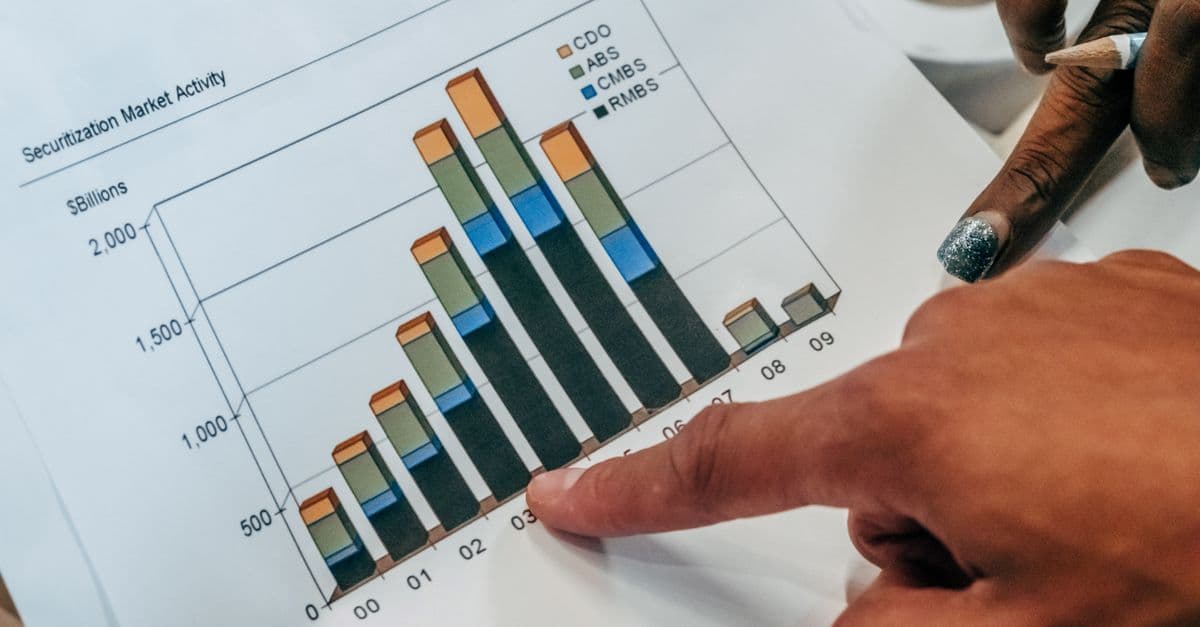
You'll systematically audit every dollar spent across paid channels, identify hidden inefficiencies, and receive a prioritized playbook of quick wins and strategic shifts. Claude analyzes your channel mix, conversion funnels, and spend patterns to pinpoint exactly where you're overpaying and what to optimize first. Execute the recommendations and watch your CAC drop while maintaining or improving conversion volume.
by sonht1109
This skill detects your project framework (Vite, Next.js, plain Node, or monorepo) and automatically configures agent-tail to pipe dev server and browser console logs into unified log files. You'll get a proposed configuration tailored to your setup, install agent-tail with the correct plugins, and have logs immediately available for AI agents to consume and analyze.
 by moonwell-fi
You can design end-to-end observability architectures for cloud-native applications by defining golden signals (latency, traffic, errors, saturation) per service, generating production-ready Prometheus configurations and alert rules aligned to SLOs, and creating meaningful Grafana dashboards. This skill translates business requirements and SLOs into measurable observability coverage with runbook linkage and thresholds that reduce alert fatigue.

Design high-converting referral programs from scratch that actually work. Get proven mechanics, tiered incentive structures, legal compliance checklists, and complete tracking implementation. Launch your program with confidence in days, not months.
by sonht1109
You can rapidly synthesize 2-5 years of income statements, balance sheets, and cash flow statements to uncover hidden risks and accounting anomalies. Claude performs comparative trend analysis, ratio calculations, variance investigations, and earnings quality assessments—surfacing red flags that affect valuation, identifying working capital normalization needs, and pressure-testing management assumptions to validate baseline model inputs.
by sonht1109
You can comprehensively assess your existing debt obligations, model multiple refinancing scenarios across different market conditions, and identify optimal capital structure decisions that minimize borrowing costs. Claude helps you compare fixed vs. floating rate structures, evaluate covenant headroom, build multi-year maturity ladders, and prepare data-driven recommendations for debt management strategy that balances cost reduction with liquidity and compliance.
by sonht1109