


Pro Tools Session Architect
Design, troubleshoot, and optimize Pro Tools sessions professionally

What You Can Do
You'll receive expert guidance on architecting Pro Tools sessions for maximum performance, efficiency, and scalability. Whether you're designing recording studios, mixing complex projects, or troubleshooting performance bottlenecks, this skill provides proven patterns, diagnostic workflows, and optimization strategies used by professional studios.
Features
Pre-built patterns for recording sessions, mixing sessions, and post-production workflows optimized for different project scales
Step-by-step process to identify CPU/disk bottlenecks, plugin conflicts, and resource-hungry configurations
Comprehensive color coding, grouping, and hierarchical track layouts for sessions with 100+ tracks
Guidance on native vs. 3rd-party plugins, AAX format support, and session stability optimization
Configuration guides for common interface setups, bussing strategies, and monitoring chains
Techniques for freeze tracks, bouncing to disk, reducing plugins, and managing sample rates for demanding sessions
Best practices for punch-in settings, delay compensation, auto-save strategies, and backup procedures
Archival strategies, version control patterns, and disaster recovery procedures
Example Output
Example 1: Session Architecture for 48-track rock recording
- Track layout: Drums (8) → Bass (2) → Guitars (6) → Vocals (4) → Percussion (3) → arranged by instrument family
- Bussing strategy: Stereo submixes per instrument group → Parallel compression bus → Master fader
- Recommended CPU headroom: Target 60% usage on initial tracking
- Plugin allocation: 1-2 per track during recording, full mixing rack for mixing sessions
Example 2: Troubleshooting 95% CPU usage
- Diagnosis: Check if issue is real-time or playback; count active plugins; check sample rate and buffer size
- If real-time: Reduce track count visible, bounce non-critical tracks, disable AAX plugins temporarily
- If playback: Freeze editing tracks, reduce video playback resolution, increase bounce buffer size
Example 3: Mixing session template (100+ tracks)
- Color scheme: Drums (blue) → Bass (green) → Guitars (orange) → Keyboards (yellow) → Vocals (red) → FX (purple)
- Folder hierarchy: Mix groups → Subgroups → Parallel processing chains
- Recommended aux routing: Compression sends → Reverb sends → Parallel compression
What's Included
- SKILL.md: Complete Pro Tools architecture framework with diagnostic decision trees and optimization workflows
- Session templates: Ready-to-use session files for recording, mixing, and post-production
- Troubleshooting checklist: CPU, disk, and plugin conflict diagnosis flowchart
- Best practices guide: Track organization, bussing strategies, and performance tuning
- Configuration templates: Audio interface routing, monitoring setup, and backup procedures
- Quick reference cards: Plugin allocation, sample rate decisions, and buffer size guidelines
Who It's For
- Recording engineers — Setting up and optimizing tracking sessions
- Mix engineers — Designing efficient mixing workflows for large sessions
- Studio managers — Architecting session templates and standardized workflows
- Audio producers — Balancing session complexity with system performance
- Post-production specialists — Managing dialogue, music, and effects in soundtrack sessions
Best For
- Designing new session templates for your studio
- Troubleshooting Pro Tools performance and stability issues
- Optimizing CPU and disk usage in complex sessions
- Planning professional recording and mixing workflows
- Training studio staff on session architecture best practices
You might also like
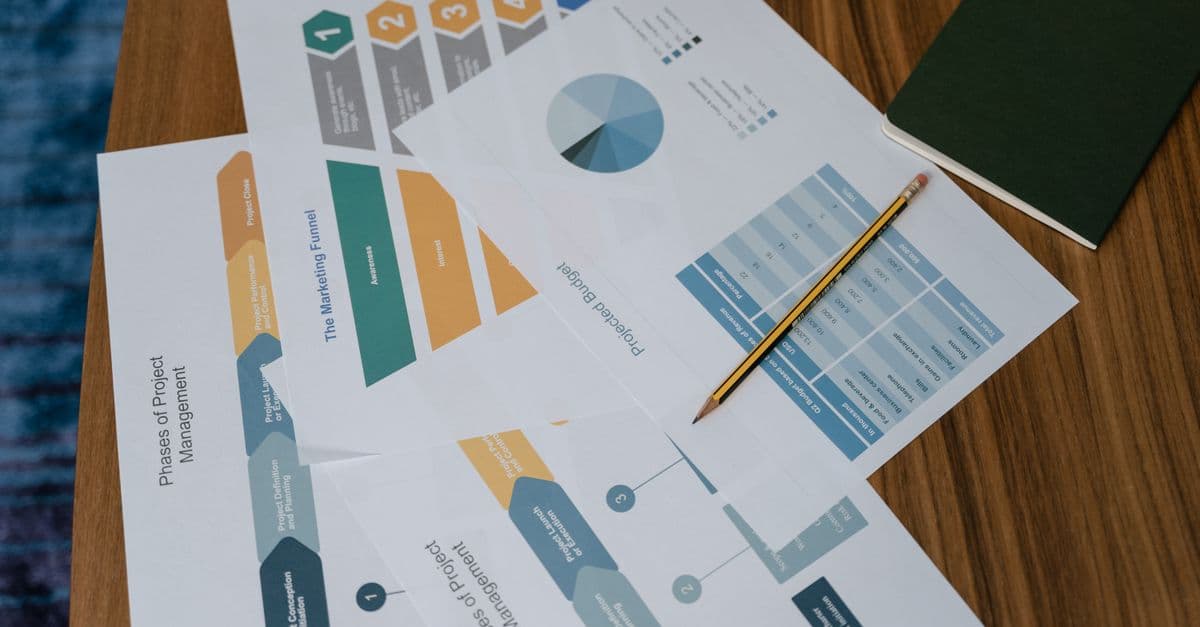
You can diagnose exactly where prospects drop off in your funnel, quantify the impact of each bottleneck, and receive prioritized optimization strategies backed by conversion metrics. This skill analyzes your funnel architecture, identifies friction points, and delivers actionable experiments (A/B tests, copy changes, UX improvements) ranked by expected revenue impact.

This skill helps you develop comprehensive social media strategies tailored to your audience demographics and platform dynamics. You'll optimize posting schedules, identify high-performing content themes, and create actionable engagement plans that drive measurable growth and community building across all major social platforms.

You create structured guerrilla marketing campaigns that deliver outsized impact without big budgets. The skill designs tactics from concept through execution plan, identifies and mitigates legal and reputational risks, and stress-tests ideas for feasibility before you invest time or money. You get actionable playbooks with timelines, resource estimates, contingency plans, and success metrics.

Create compelling brand names that align with your market positioning, target audience, and business goals. You'll receive 15-25 strategically-sound candidates, each with linguistic analysis, competitive positioning assessment, and cultural implications reviewed. Every recommendation includes domain availability status, trademark conflict identification, and actionable launch strategy guidance.

You'll architect multi-stage nurture campaigns that automatically segment audiences, personalize messaging, and optimize send timing based on behavior and engagement data. The skill generates complete campaign strategies with A/B testing frameworks, content variations, and actionable analytics dashboards. Get data-driven recommendations to improve open rates, click-through rates, and conversion metrics at every stage.
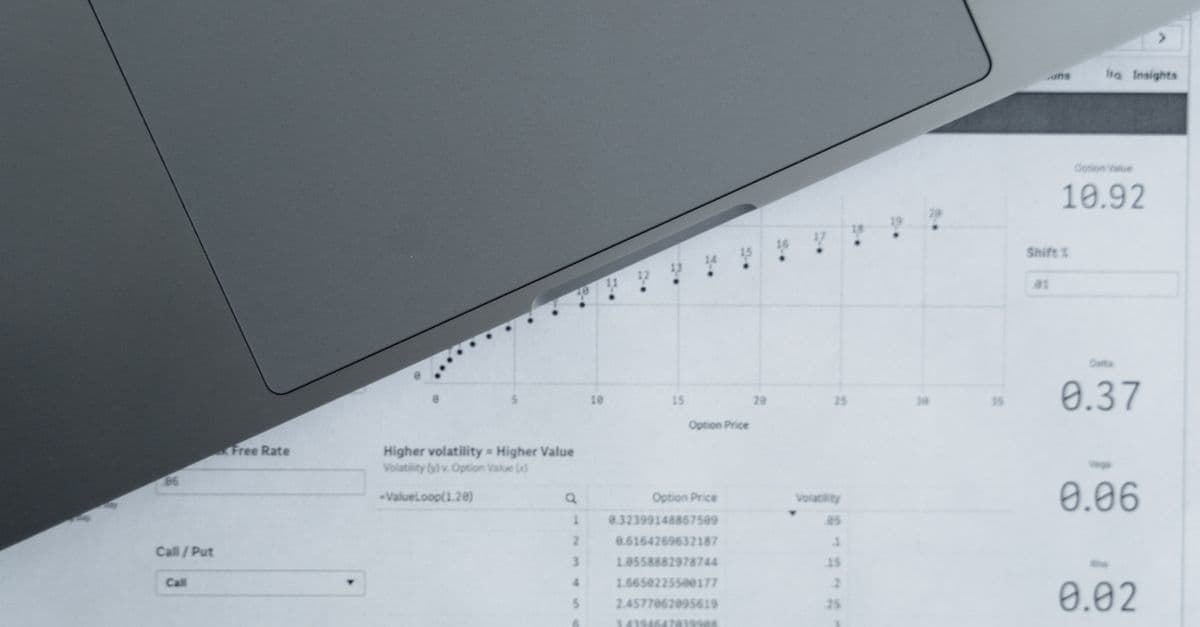
Analyze historical customer journeys across multiple touchpoints to determine each channel's true ROI contribution. You can model different attribution approaches, identify the most effective conversion paths, and generate data-driven recommendations for reallocating programmatic media budgets to maximize return on ad spend.

Design and validate multi-touch attribution models that credit each touchpoint in a customer's journey based on their actual contribution to conversions. You'll develop models using various methodologies (first-touch, last-touch, linear, time-decay, custom algorithms), test them against your data patterns, and generate detailed attribution reports that reveal which channels and campaigns truly drive revenue. This skill transforms raw conversion data into actionable insights about your marketing effectiveness.

You can design sophisticated PMP deal structures tailored to specific advertiser needs, audience segments, and performance targets. This skill analyzes deal parameters—floor pricing, impression volume, audience data, and performance history—to recommend optimization strategies that maximize yield while maintaining advertiser satisfaction. You'll get detailed deal frameworks with pricing tiers, audience definitions, and performance benchmarks.