


Podcast Audacity Workflow Optimizer
Automate Audacity editing and diagnose podcast audio problems

What You Can Do
You can diagnose and resolve audio quality issues in your podcast recordings, automate repetitive Audacity editing tasks, and establish standardized quality workflows. Claude analyzes your audio challenges and generates actionable solutions—from noise reduction parameters to batch editing scripts—so you can produce broadcast-quality episodes faster.
Features
Analyze loudness, frequency issues, noise floor, and dynamic range to identify specific quality problems
Generate Audacity scripts and workflows to automate normalization, noise reduction, EQ, and compression
Create episode-specific QA checklists based on your content type and broadcast standards
Establish reproducible editing templates tailored to your podcast format and output requirements
Get precise recommendations for Audacity effects (gates, compressors, EQ) based on your source material
Learn how to apply consistent processing across multiple episodes while maintaining sonic cohesion
Optimize export settings for your distribution platforms (Spotify, Apple Podcasts, YouTube)
Example Output
Audio Analysis Example:
- Loudness: -18 LUFS (target: -16 LUFS) → reduce by 2dB
- Noise floor: -45dB (acceptable; no treatment needed)
- Peak levels: occasional clipping at -0.5dB → add limiter
- Frequency imbalance: +6dB presence peak at 3kHz → 3dB notch recommended
Generated Audacity Workflow:
1. Normalize to -3dB
2. Gate at threshold: -35dB, attack: 5ms, hold: 50ms
3. Compressor: ratio 4:1, threshold -20dB, makeup gain +4dB
4. 3-band EQ: reduce 3kHz by 3dB, boost 80Hz by 2dB, shelf 10kHz at 1dB
5. Limiter: ceiling -1dB
6. Export MP3 at 192 kbps, normalize loudness to -14 LUFS
Episode QA Checklist:
- ☐ Intro level: -18 ± 1 LUFS
- ☐ Dialogue intelligible; no sibilance artifacts
- ☐ Background noise < -50dB during silence
- ☐ Peak levels never exceed -1dB
- ☐ No clipping or distortion artifacts
What's Included
- SKILL.md: Complete Audacity engineering workflow with decision trees, diagnostic frameworks, and quality standards
- Audio diagnostics template: Checklist for analyzing loudness, frequency response, noise floor, and dynamic range
- Audacity workflow builder: Templates for noise reduction, normalization, compression, and EQ chains
- QA checklists: Genre-specific and platform-specific quality standards (Spotify, Apple Podcasts, YouTube)
- Effect parameter guide: Recommended settings for gates, compressors, limiters, and EQ based on source type
- Export optimization guide: Bitrate, format, and loudness standards for major distribution platforms
Who It's For
- Solo podcasters and shows managing their own production
- Audio engineers optimizing podcast workflows
- Content creators scaling from manual to automated editing
- Podcast production teams standardizing quality across episodes
- Streamers and YouTubers publishing audio-heavy content
Best For
- Diagnosing audio problems in recorded episodes before publishing
- Building repeatable editing workflows to save 30+ minutes per episode
- Establishing quality standards across your podcast back-catalog
- Training new team members on your audio processing pipeline
- Optimizing output for different platforms with format-specific settings
You might also like
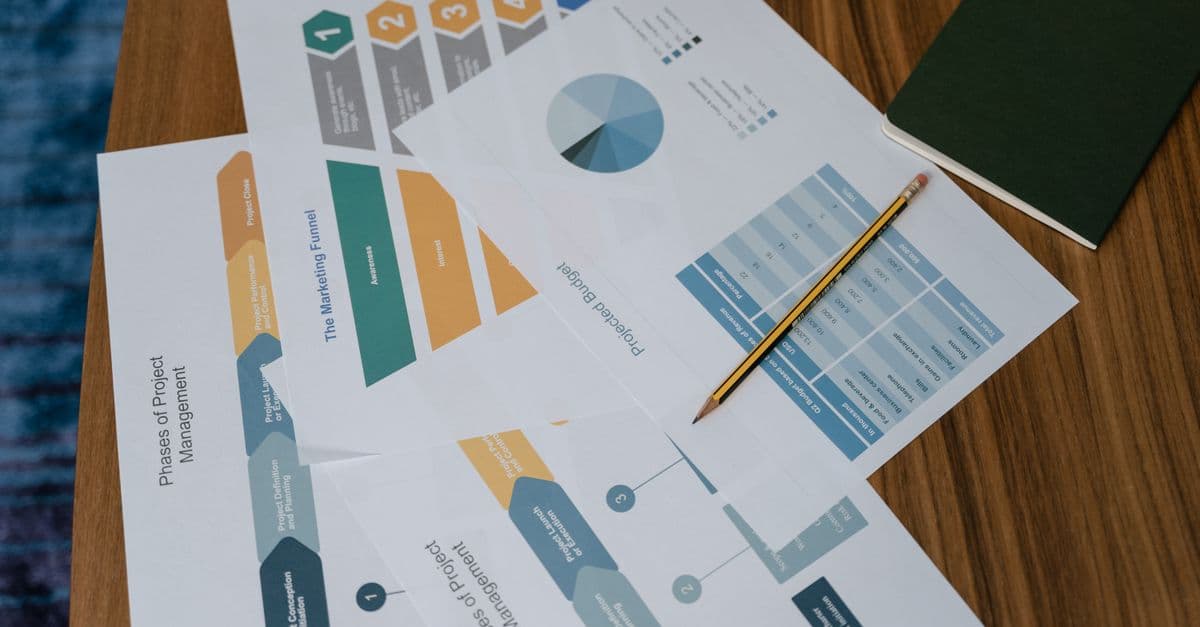
You can diagnose exactly where prospects drop off in your funnel, quantify the impact of each bottleneck, and receive prioritized optimization strategies backed by conversion metrics. This skill analyzes your funnel architecture, identifies friction points, and delivers actionable experiments (A/B tests, copy changes, UX improvements) ranked by expected revenue impact.

This skill helps you develop comprehensive social media strategies tailored to your audience demographics and platform dynamics. You'll optimize posting schedules, identify high-performing content themes, and create actionable engagement plans that drive measurable growth and community building across all major social platforms.

You create structured guerrilla marketing campaigns that deliver outsized impact without big budgets. The skill designs tactics from concept through execution plan, identifies and mitigates legal and reputational risks, and stress-tests ideas for feasibility before you invest time or money. You get actionable playbooks with timelines, resource estimates, contingency plans, and success metrics.

Create compelling brand names that align with your market positioning, target audience, and business goals. You'll receive 15-25 strategically-sound candidates, each with linguistic analysis, competitive positioning assessment, and cultural implications reviewed. Every recommendation includes domain availability status, trademark conflict identification, and actionable launch strategy guidance.

You'll architect multi-stage nurture campaigns that automatically segment audiences, personalize messaging, and optimize send timing based on behavior and engagement data. The skill generates complete campaign strategies with A/B testing frameworks, content variations, and actionable analytics dashboards. Get data-driven recommendations to improve open rates, click-through rates, and conversion metrics at every stage.
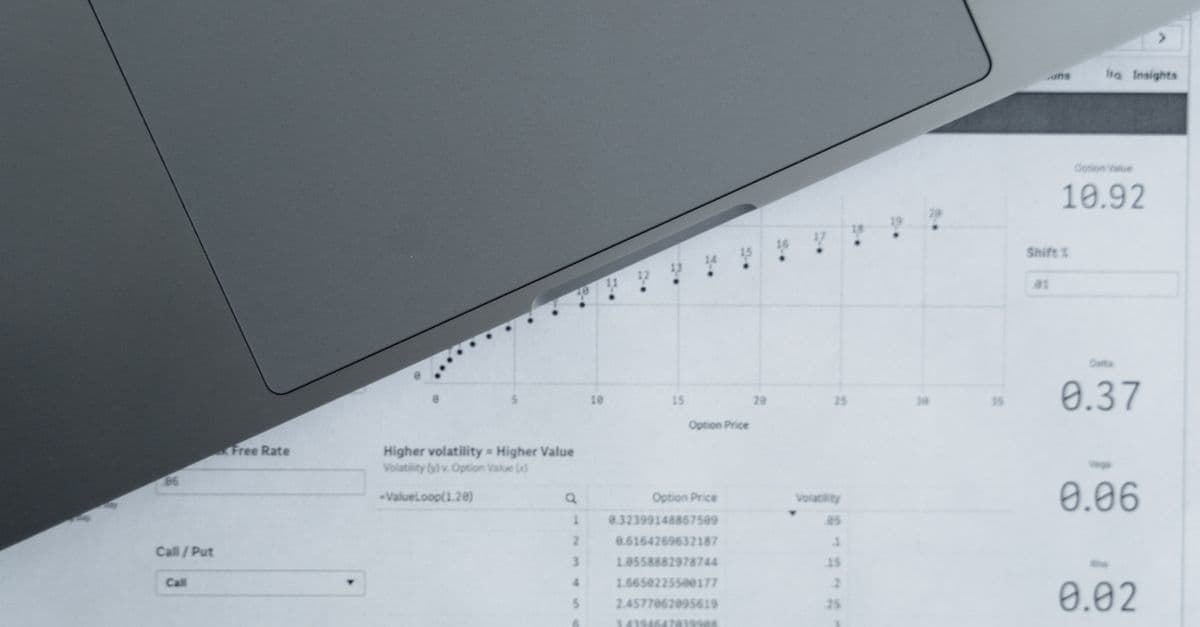
Analyze historical customer journeys across multiple touchpoints to determine each channel's true ROI contribution. You can model different attribution approaches, identify the most effective conversion paths, and generate data-driven recommendations for reallocating programmatic media budgets to maximize return on ad spend.

Design and validate multi-touch attribution models that credit each touchpoint in a customer's journey based on their actual contribution to conversions. You'll develop models using various methodologies (first-touch, last-touch, linear, time-decay, custom algorithms), test them against your data patterns, and generate detailed attribution reports that reveal which channels and campaigns truly drive revenue. This skill transforms raw conversion data into actionable insights about your marketing effectiveness.

You can design sophisticated PMP deal structures tailored to specific advertiser needs, audience segments, and performance targets. This skill analyzes deal parameters—floor pricing, impression volume, audience data, and performance history—to recommend optimization strategies that maximize yield while maintaining advertiser satisfaction. You'll get detailed deal frameworks with pricing tiers, audience definitions, and performance benchmarks.