


FL Studio Production Strategy & Mixing Decisions
Master FL Studio mixes with proven production strategy

What You Can Do
You can develop a professional mixing strategy tailored to FL Studio, receive expert guidance on production decisions across gain staging, EQ, compression, and effects chains, and troubleshoot mixing problems with FL Studio-specific solutions. Claude helps you make informed technical choices that achieve professional-sounding mixes and establish repeatable mixing workflows.
Features
Decision trees for choosing between EQ cuts vs. boosts, compression ratios and attack times, and effect types based on your genre and target aesthetic
Identify and solve common mixing issues (mud, harshness, lack of clarity, phase problems) with native and third-party plugin solutions
Step-by-step guidance for proper signal flow, normalization, and headroom management through FL Studio's mixer to prevent clipping and maximize dynamic range
Pre-configured starting settings for vocals, drums, bass, synths, and full mixes with detailed parameter explanations for each
Compare your mix against commercial references and receive actionable feedback on frequency balance, dynamics, spatial depth, and perceived loudness
Ordered step-by-step checklists for session prep, tracking, gain staging, mix phases, and mastering-ready export settings
Tailored mixing approaches for hip-hop, EDM, lo-fi, pop, and rock with FL Studio-native tool recommendations
Record your mixing rationale and learning to build repeatable processes and improve future production decisions
Example Output
Problem: Muddy Vocal Mix
You ask: "My FL Studio vocals sound muddy at -12dB with compression. How do I get clarity?"
Claude provides:
- Normalize vocal gain to -6dB before compression (reduce ratio dependency)
- Insert EQ2 high-pass filter: 100Hz cutoff to remove sub-bass rumble
- Add surgical EQ: -3dB at 300Hz (Q=6) to reduce boxiness
- Compression settings: 4:1 ratio, 5ms attack, 80ms release for transparency
- Add 30% blend parallel compression (8:1 ratio) on sidechain bus for controlled punch
Decision: Kick and Bass Frequency Separation (EDM)
You ask: "How do I make kick and bass coexist without masking?"
Claude suggests:
- Kick frequency split: 60Hz peak (sub) + 2-3kHz (punch)
- Bass routing: 40Hz fundamental, 800Hz presence peak
- High-pass bass at 100Hz to avoid kick conflict
- Sidechain compress bass from kick trigger: 5ms attack, 100ms release for rhythmic separation
- A/B test on studio monitors and headphones
Workflow: Professional Vocal Chain Setup
You ask: "Build me a complete pop vocal chain for FL Studio."
Claude provides step-by-step:
- Gain staging: normalize to -3dB headroom
- Gentle compression: 2:1 ratio, 10ms attack, 150ms release
- Parametric EQ: high-pass 80Hz, dip 3kHz (harshness), boost 5kHz (presence)
- Optional saturation: 10% blend for warmth
- Delay send (20% wet): 375ms quarter-note delay
- Reverb send (15% wet): 2-3 second room/plate
- Safety limiter: -1dB threshold
What's Included
- SKILL.md: Complete FL Studio mixing strategy guide with EQ/compression fundamentals, decision frameworks, and troubleshooting scenarios
- Mixing workflow checklists: Pre-production, gain staging, mix-down phases, and mastering export checklist
- EQ and compression templates: Starting-point settings for vocals, drums, bass, synths, and full mixes with parameter reasoning
- Reference track analysis framework: Structured approach for comparing your mix to commercial tracks (frequency ranges, dynamics, spatial depth)
- Mix problem diagnosis flowchart: Decision tree to identify and resolve common issues (mud, harshness, lack of space, phase cancellation)
- FL Studio routing blueprints: Pre-configured mixer chains and send/return setups for vocal-focused and beat-production projects
Who It's For
- Music producers — Beat makers and composers seeking professional-level mixing guidance within FL Studio
- Electronic music creators — EDM, hip-hop, synthwave, and lo-fi producers optimizing their production chains
- Home studio musicians — Independent artists looking to improve mix quality without expensive studio rental
- Sound engineering students — Learners building mixing fundamentals and professional workflows
- Audio professionals — Mix engineers and producers working with FL Studio clients who need structured decision support
Best For
- Strategic mixing decisions — Choosing the right EQ cuts, compression settings, and effect chains for specific instruments and genres
- Mix problem-solving — Diagnosing and fixing clarity, depth, balance, and frequency masking issues
- Gain staging and signal flow — Establishing proper levels, headroom, and routing for professional results
- Workflow standardization — Building repeatable mixing processes and checklists that improve consistency
- Genre-specific production — Applying tailored strategies for hip-hop, EDM, pop, rock, and lo-fi mixing requirements
You might also like
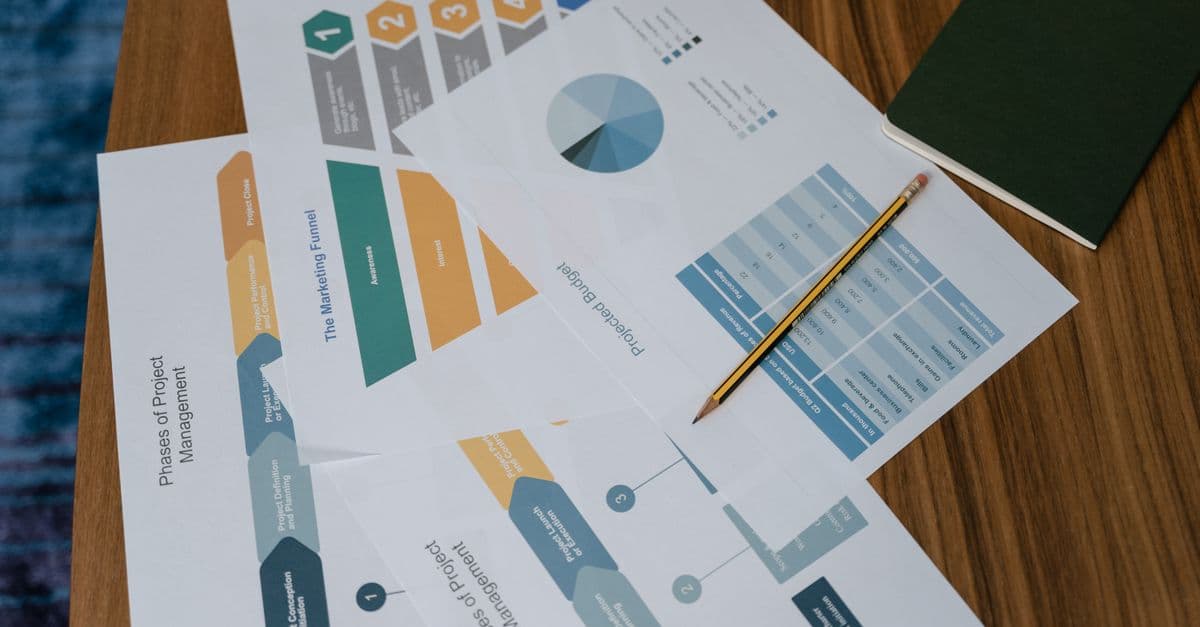
You can diagnose exactly where prospects drop off in your funnel, quantify the impact of each bottleneck, and receive prioritized optimization strategies backed by conversion metrics. This skill analyzes your funnel architecture, identifies friction points, and delivers actionable experiments (A/B tests, copy changes, UX improvements) ranked by expected revenue impact.

This skill helps you develop comprehensive social media strategies tailored to your audience demographics and platform dynamics. You'll optimize posting schedules, identify high-performing content themes, and create actionable engagement plans that drive measurable growth and community building across all major social platforms.

You'll architect multi-stage nurture campaigns that automatically segment audiences, personalize messaging, and optimize send timing based on behavior and engagement data. The skill generates complete campaign strategies with A/B testing frameworks, content variations, and actionable analytics dashboards. Get data-driven recommendations to improve open rates, click-through rates, and conversion metrics at every stage.
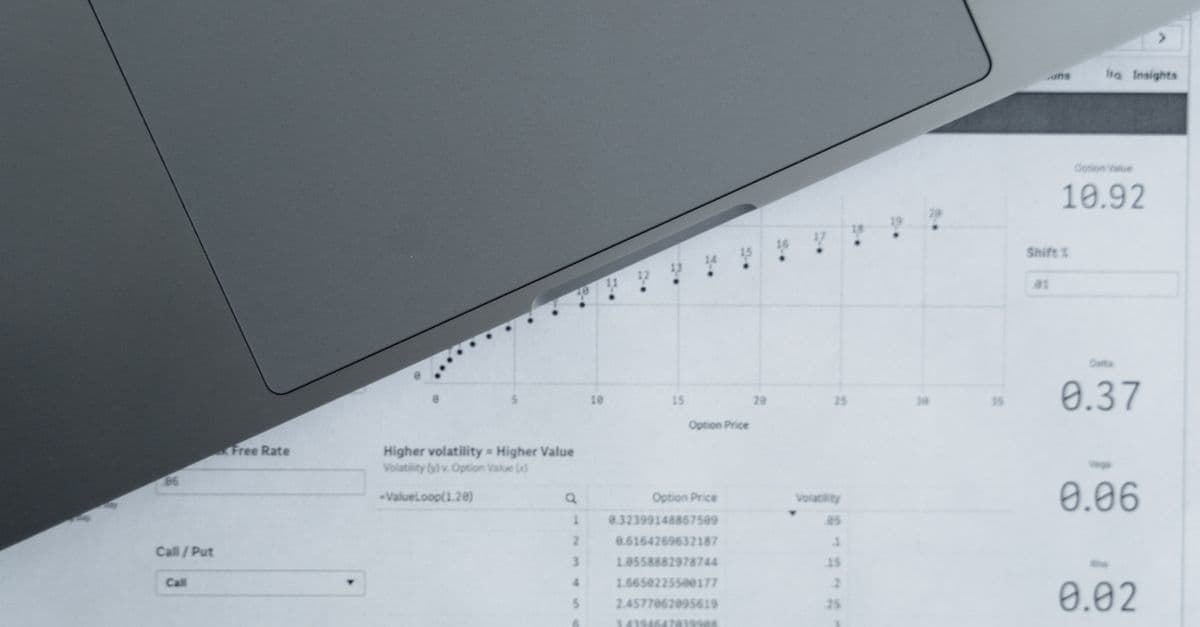
Analyze historical customer journeys across multiple touchpoints to determine each channel's true ROI contribution. You can model different attribution approaches, identify the most effective conversion paths, and generate data-driven recommendations for reallocating programmatic media budgets to maximize return on ad spend.

Design and validate multi-touch attribution models that credit each touchpoint in a customer's journey based on their actual contribution to conversions. You'll develop models using various methodologies (first-touch, last-touch, linear, time-decay, custom algorithms), test them against your data patterns, and generate detailed attribution reports that reveal which channels and campaigns truly drive revenue. This skill transforms raw conversion data into actionable insights about your marketing effectiveness.

You can architect sophisticated audience segments within your DMP, optimize them for campaign performance, and map audiences across marketing channels. This skill helps you classify customer data into actionable segments, define activation rules, analyze segment quality metrics, and recommend optimization strategies based on your business objectives and data constraints.

This skill helps you design, document, and troubleshoot integrations between your marketing platforms. You get API mapping strategies, workflow automation guidance, and ready-to-use integration templates for popular tools like Salesforce, HubSpot, Marketo, and Zapier. Whether you're building native connections or orchestrating multi-step workflows, this skill guides you through requirements gathering, authentication setup, and data validation.

You can design sophisticated PMP deal structures tailored to specific advertiser needs, audience segments, and performance targets. This skill analyzes deal parameters—floor pricing, impression volume, audience data, and performance history—to recommend optimization strategies that maximize yield while maintaining advertiser satisfaction. You'll get detailed deal frameworks with pricing tiers, audience definitions, and performance benchmarks.