


Pro Tools Session Optimizer
Diagnose Pro Tools issues and optimize mixing sessions instantly

What You Can Do
You can upload Pro Tools session files or describe your mixing workflow, and Claude analyzes the session configuration to identify performance bottlenecks, CPU inefficiencies, and workflow redundancies. Claude generates specific optimization recommendations—such as plugin chain restructuring, track consolidation strategies, and latency reduction tactics—tailored to your session complexity and hardware constraints.
Features
Analyze track count, plugin density, automation complexity, and identify CPU-heavy chains causing bottlenecks
Suggest plugin consolidation, track freezing candidates, buffer size tuning, and disk I/O improvements
Evaluate track organization, routing architecture, group/bus structure, and automation setup for inefficiencies
Identify CPU-intensive plugins and recommend substitutions or bouncing strategies to maintain mix quality
Flag incompatible or redundant plugin chains that may cause crashes or latency spikes
Review codec, sample rate, file format choices, and recommend settings for faster session performance
Diagnose and resolve latency issues caused by buffer settings, plugin delays, or hardware routing
Assess current session design and recommend architectural changes for handling larger projects
Example Output
Session Analysis Result:
CPU Bottleneck Identified: Your mix uses 5 instances of Waves SSL G-Master across 12 tracks (72% redundancy). Recommendation: Replace 3 instances with a single SSL on your master bus; A/B test perceived difference.
Track Consolidation Candidates:
- 8 drums tracks → freeze/render 4 tracks (snare, kick compressed chain)
- 6 vocal layers → consolidate 3 harmonies post-reverb
Estimated CPU savings: 18-24% without audible quality loss.
Disk I/O Improvement: Relocate cache folder to SSD; enable "Disk Cache" for virtual instruments. Latency reduced ~3ms.
What's Included
- SKILL.md: Instructions for Claude to analyze Pro Tools sessions and generate optimization strategies
- Session Analysis Checklist: Track types, plugin density, CPU thresholds, routing complexity template
- Optimization Workflow: Step-by-step process for implementing recommendations without disrupting mix
- Plugin Chain Refactor Template: Before/after structure for consolidating processing
- Performance Baseline Reference: Hardware-specific CPU/latency targets for different session scales
Who It's For
- Mix engineers — Optimize complex sessions without sacrificing quality or workflow
- Music producers — Maximize DAW performance across project scaling stages
- Sound designers & composers — Troubleshoot latency and CPU issues in template-heavy sessions
- Podcast producers — Streamline multitrack editing sessions with organized routing
- Remote audio engineers — Diagnose session performance issues asynchronously via session export files
Best For
- Resolving CPU bottlenecks and latency spikes in large sessions
- Identifying redundant or conflicting plugin chains
- Planning session architecture for maximum scalability
- Consolidating tracks and freezing candidates without mix degradation
- Troubleshooting session crashes and compatibility issues with new plugins
You might also like

You can architect and optimize your Logic Pro sessions for professional mixing, routing, and production efficiency. Claude guides you through session design decisions, routing strategies, and workflow optimization to reduce setup time and improve mix consistency across projects.
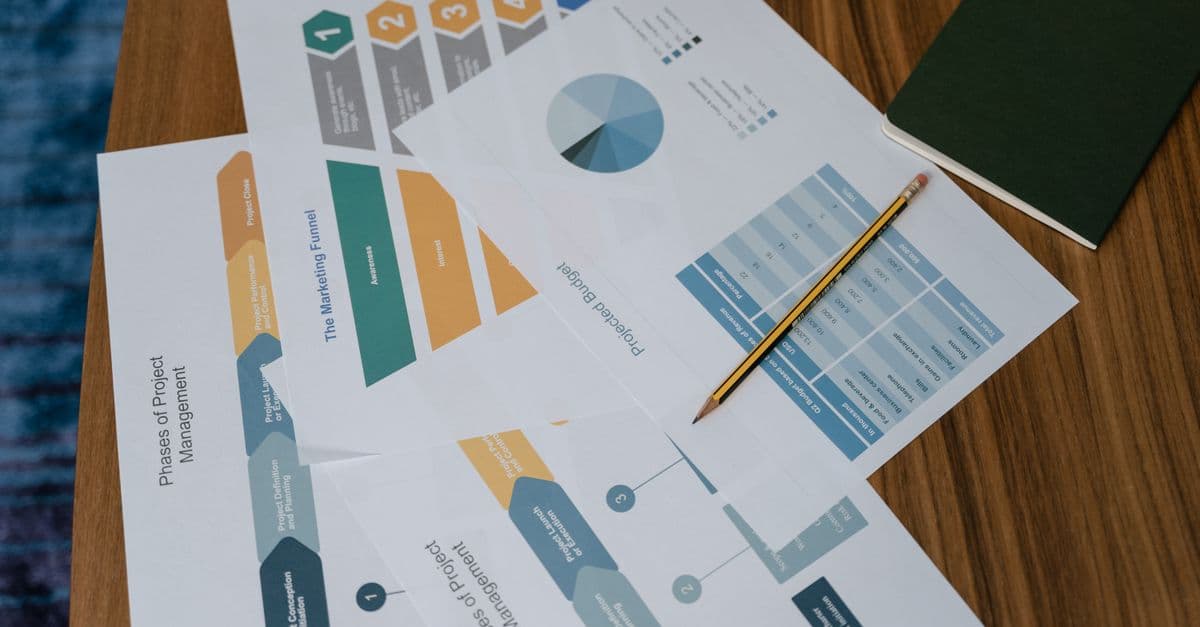
You can diagnose exactly where prospects drop off in your funnel, quantify the impact of each bottleneck, and receive prioritized optimization strategies backed by conversion metrics. This skill analyzes your funnel architecture, identifies friction points, and delivers actionable experiments (A/B tests, copy changes, UX improvements) ranked by expected revenue impact.

This skill helps you develop comprehensive social media strategies tailored to your audience demographics and platform dynamics. You'll optimize posting schedules, identify high-performing content themes, and create actionable engagement plans that drive measurable growth and community building across all major social platforms.

You'll architect multi-stage nurture campaigns that automatically segment audiences, personalize messaging, and optimize send timing based on behavior and engagement data. The skill generates complete campaign strategies with A/B testing frameworks, content variations, and actionable analytics dashboards. Get data-driven recommendations to improve open rates, click-through rates, and conversion metrics at every stage.

You can architect sophisticated audience segments within your DMP, optimize them for campaign performance, and map audiences across marketing channels. This skill helps you classify customer data into actionable segments, define activation rules, analyze segment quality metrics, and recommend optimization strategies based on your business objectives and data constraints.

This skill helps you design, document, and troubleshoot integrations between your marketing platforms. You get API mapping strategies, workflow automation guidance, and ready-to-use integration templates for popular tools like Salesforce, HubSpot, Marketo, and Zapier. Whether you're building native connections or orchestrating multi-step workflows, this skill guides you through requirements gathering, authentication setup, and data validation.

You'll learn to design A/B tests that reliably detect real changes while minimizing false positives. This skill helps you calculate proper sample sizes, determine statistical power requirements, and interpret results using rigorous frequentist methods — ensuring every test delivers actionable insights and saves your team from chasing false signals.

You can design sophisticated PMP deal structures tailored to specific advertiser needs, audience segments, and performance targets. This skill analyzes deal parameters—floor pricing, impression volume, audience data, and performance history—to recommend optimization strategies that maximize yield while maintaining advertiser satisfaction. You'll get detailed deal frameworks with pricing tiers, audience definitions, and performance benchmarks.