

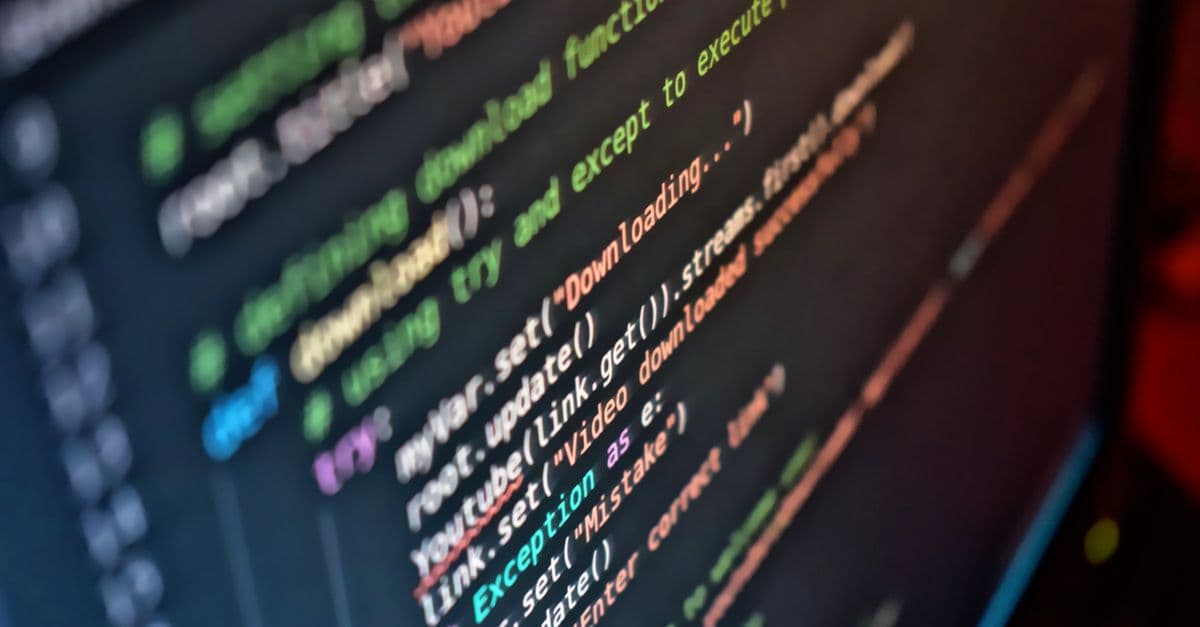
DaVinci Resolve Python Scripting for Workflow Automation
Automate DaVinci Resolve workflows with Python scripting using Fusion and Timeline APIs
What You Can Do
You can write production-ready Python scripts to automate complex DaVinci Resolve workflows using the Fusion and Timeline APIs. Claude helps you debug script errors, optimize performance, and build custom automation that saves hours on repetitive video editing and color grading tasks.
Features
automate clips, transitions, effects, and color correction across projects
create dynamic graphics, effects chains, and procedural animations programmatically
understand API exceptions, parameter validation, and common pitfalls
write scripts to process multiple projects, clips, or renders with consistent parameters
create reusable modules for repetitive tasks (watermarking, metadata syncing, quality checks)
quickly find Timeline and Fusion method signatures, parameters, and return types
refactor scripts to reduce rendering time and memory usage on large projects
Example Output
Example 1: Batch Color Grade Script
from DaVinciResolveScript import *

resolve = scriptapp("Resolve")
project = resolve.GetProjectManager().GetCurrentProject()
timeline = project.GetCurrentTimeline()

for clip in timeline.GetClips():
    color = clip.GetColorGradeMode()
    clip.SetColorGradeMode(1)  # Set to DaVinci color mode
Example 2: Dynamic Fusion Graphic Generator
fusion = resolve.Fusion()
comp = fusion.GetCurrentComp()
flow = comp.GetToolList()["Text1"]
flow["StyledText"] = "Updated: " + timestamp
Example 3: Batch Watermark Application Script to automatically add watermarks to all clips in a timeline with customizable position, scale, and opacity.
What's Included
- SKILL.md: Complete guide to DaVinci Resolve Python scripting, Fusion and Timeline API architecture, debugging workflows
- Script templates: Batch processing, color grading, effect chains, metadata syncing
- Fusion API cheatsheet: Common node types, properties, connection patterns
- Timeline API reference: Clips, transitions, effects, markers, keyframes
- Debugging checklist: Common errors, print statement patterns, inspector techniques
- Performance optimization guide: Memory-efficient loops, caching, avoiding UI blocking
- Example scripts: Watermarking, proxy generation, grade sync, clip renaming
Who It's For
- Post-production editors — automate color grading, effects, and clip organization across large projects
- Motion graphics artists — programmatically generate Fusion compositions and animate parameters
- Colorists — batch apply LUTs, grades, and corrections to multiple clips consistently
- Studio automation leads — build custom workflows for repetitive tasks (watermarking, metadata, QC)
- Film/TV freelancers — speed up turnaround on multi-episode or multi-project deliverables
Best For
- Batch color grading and corrections — apply consistent grades across dozens of clips or projects
- Automated watermarking and branding — add logos, text, and lower-thirds to all clips in a timeline
- Proxy generation and transcoding workflows — automate file creation and project setup
- Metadata syncing and organization — populate project notes, markers, and clip names from external data
- Custom effect chains and templates — programmatically build and apply Fusion compositions to timeline clips
You might also like
You can conduct comprehensive wetland assessments that synthesize hydrology analysis, soil characterization, and vegetation surveys into actionable restoration designs. This skill generates permit-ready documentation including phased restoration plans, native plant community designs, hydrologic feasibility assessments, and success monitoring protocols that balance ecological recovery with regulatory compliance and budget constraints.
 by agenmod
You can rapidly develop evidence-based facility programs that account for regulatory compliance, infection control protocols, clinical adjacencies, and operational workflows. The skill translates stakeholder needs into detailed space requirement matrices, validates departmental layouts against FGI Guidelines and building codes, and analyzes clinical workflow to inform spatial adjacencies—preventing costly post-construction redesigns and ensuring buildings support clinical operations.
by agenmod
You can rapidly evaluate sites for transit-oriented development potential by analyzing connectivity to transit infrastructure, regulatory zoning compliance, market conditions, and design opportunities. The skill generates comprehensive site assessment reports that synthesize accessibility data, constraint identification, and actionable development strategies—reducing redesign cycles and accelerating approval timelines for mixed-use infill and transit-adjacent projects.
by agenmod
You can develop consistent, broadcast-quality color grades across entire projects using proven workflows and Lumetri techniques. Claude guides you through color theory fundamentals, helps you build custom looks, and provides step-by-step workflows for matching grades across multicam footage and complex timelines. Whether you're correcting skin tones, creating cinematic looks, or maintaining color consistency across episodes, this skill transforms your grading process from guesswork to systematic mastery.
by agenmod
You can quantify embodied carbon at any project phase—from concept through specification—using verified LCA boundaries and industry databases. Claude helps you compare material alternatives numerically (steel vs. CLT, concrete vs. timber), identify which assemblies drive the highest emissions, and generate defensible carbon reports for green building certifications. Since embodied carbon is locked in at design time, this systematic approach ensures your material choices align with net-zero targets before construction.
by agenmod
You can systematically synthesize multiple stakeholder positions, regulatory requirements, and site constraints into a unified master plan strategy. Claude helps you identify non-negotiable requirements, find common ground across competing interests, and develop a coherent design narrative that justifies planning moves to each constituency. This approach prevents costly mid-process redesigns and accelerates approvals by addressing stakeholder concerns proactively.
by agenmod
You can analyze degraded stream channels and riparian corridors to identify specific hydromorphic and ecological dysfunction, then design integrated restoration solutions that address root causes while meeting engineering and ecological performance standards. Claude helps you model post-restoration hydraulic behavior, sediment transport, and vegetation establishment sequences aligned with hydromorphic conditions, generating detailed civil and ecological specifications ready for implementation and adaptive management.
by agenmod
You can establish systematic color grading workflows that accelerate project delivery, ensure visual consistency across episodes and projects, and maintain broadcast-quality standards. Claude generates reusable templates, quality control checklists, and grading decision frameworks tailored to your project's color science and deliverable requirements.
 by skillslib