


Design Motion Principles
Expert guidance on purposeful motion design and animation audits
What You Can Do
You can build interactive UI components with purposeful motion—transitions, hover states, micro-interactions, and enter/exit animations—or audit existing motion design and receive detailed feedback. The skill operates in two focused modes: Create mode helps you implement motion that serves a clear purpose, while Audit mode evaluates your animations against industry-standard principles and reports specific findings with improvement recommendations.
Features
Create intentional motion or audit existing animations with context-aware guidance
Combines restraint (Emil Kowalski), craft (Jakub Krehel), and delight (Jhey Tompkins) frameworks
Handles HTML/CSS, React, Framer Motion, iOS/Android transitions, and design systems
Guides hover states, loading animations, feedback patterns, and state transitions
Reviews motion curves, timing, purposefulness, and UX impact with actionable feedback
Helps you balance animation density and performance across your interface
Provides code patterns and motion principles for React and CSS-based animation
Example Output
Create Mode Output: You get implementation guidance including recommended timing (in ms), easing curves with specific cubic-bezier values, code snippets in your framework of choice, and the design rationale explaining why the motion serves the user.
Audit Mode Output: You receive a structured report with: ✓ strengths in your current motion, ✗ issues to address, → specific recommendations with code examples, and overall assessment of whether the animation enhances or detracts from the user experience.
What's Included
- SKILL.md instruction file with mode detection logic and three-designer framework:
- workflows/create.md: Step-by-step guidance for building purposeful motion components
- workflows/audit.md: Structured audit checklist and feedback framework
- Frequency framework reference: Principles for balancing animation density and performance
- Motion principles checklists: Timing, easing, and purposefulness evaluation criteria
Who It's For
- Product designers creating motion specifications and reviewing animation quality
- Interaction designers building micro-interactions and state transitions
- Frontend engineers implementing animations in React, CSS, or Framer Motion
- Design system leads establishing motion principles and animation guidelines
- UX engineers optimizing motion for performance and user experience
Best For
- Building interactive components with intentional hover states and transitions
- Reviewing existing animations for purposefulness and timing alignment
- Creating micro-interactions (loading states, feedback animations, state changes)
- Establishing motion principles across design systems
- Optimizing animation performance and cognitive load in complex interfaces
You might also like
You'll develop comprehensive 5S implementation strategies, conduct workplace audits with structured scoring, generate standardized procedures for your team, and facilitate continuous improvement cycles. Claude analyzes your current state, identifies quick wins, and helps you build lasting lean culture through data-driven assessments and kaizen guidance.
 by kylezantos
You can systematically identify root causes of production problems using proven troubleshooting frameworks, decision trees, and rapid diagnosis protocols. This skill walks you through impact assessment, root cause analysis, and solution validation to minimize downtime and prevent recurring issues in manufacturing and operations environments.
by kylezantos
You can leverage Claude to streamline every aspect of film production coordination—from managing crew schedules and budgets to troubleshooting on-set logistics and creative challenges. This skill helps you create call sheets, coordinate locations, track production expenses, and quickly solve problems that arise during shooting without disrupting your workflow.
by kylezantos
You provide production data and process details, and this skill systematically analyzes the information to identify root causes of quality issues, yield losses, or equipment failures. It develops prioritized corrective actions with implementation timelines, compliance documentation, and performance metrics to track improvement effectiveness.
by kylezantos
This skill systematically analyzes your production data using proven continuous improvement methodologies like Lean and Six Sigma to identify bottlenecks, root causes, and measurable improvement opportunities. You'll receive prioritized, actionable recommendations with implementation roadmaps and risk assessments that help you focus on high-impact optimizations driving real cost savings and efficiency gains.
by kylezantos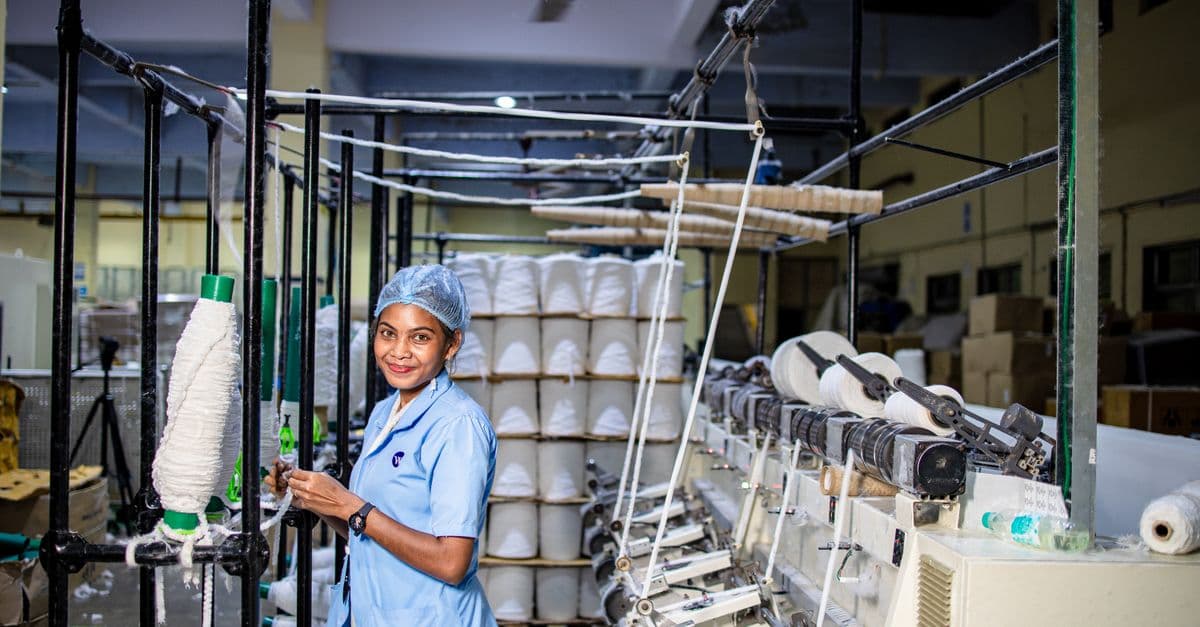
Analyze production line data to identify bottlenecks, defect patterns, and root causes affecting TV manufacturing operations. Generate detailed corrective action plans with specific interventions, timelines, and expected impact. Transform raw production data into actionable insights for operations teams to improve yield, reduce downtime, and accelerate throughput.
by kylezantos
You can transform sprawling manufacturing initiatives into structured programs with clear dependencies, risk profiles, and milestone tracking. Claude generates dependency matrices, risk quantification frameworks, and milestone roadmaps tailored to your program structure. You get executable plans that align cross-functional teams and anticipate bottlenecks before they derail schedules.
by kylezantos
Prepare comprehensive audit documentation, track non-conformance issues from identification through resolution, and generate corrective action plans. You can document audit findings, prioritize risks by severity, assign accountability, and create formal reports that demonstrate compliance readiness to auditors and stakeholders.
by kylezantos