

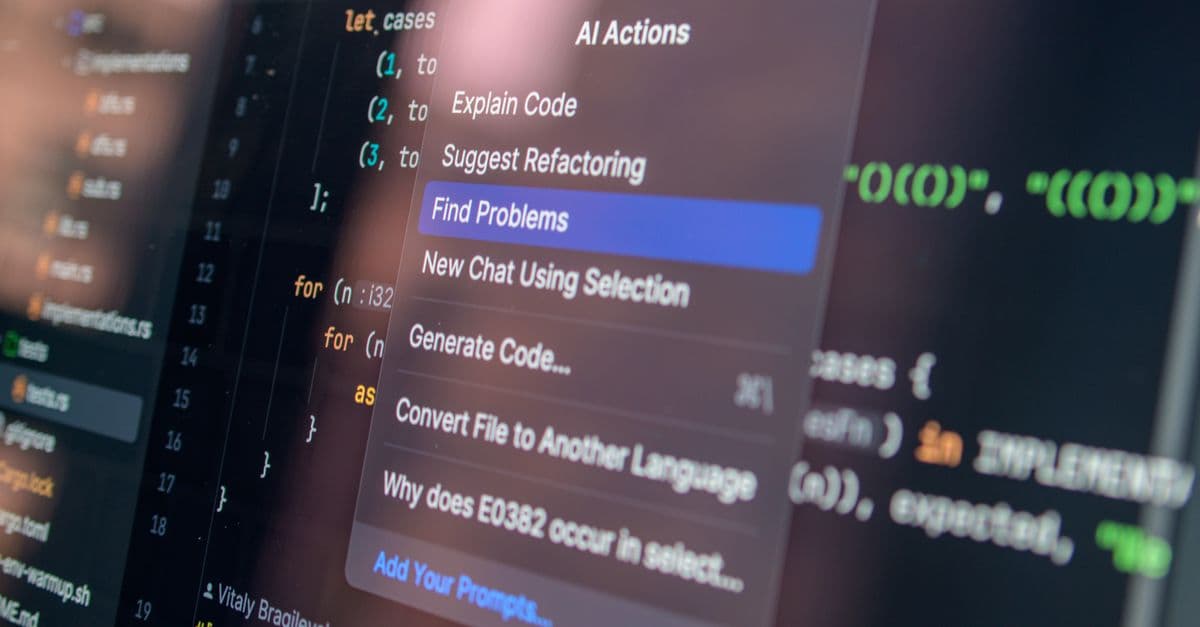
Wwise Project Optimization & Troubleshooting
Debug Wwise audio systems with AI-powered performance analysis
What You Can Do
Upload your Wwise profiler data, project logs, or describe integration issues, and Claude analyzes performance bottlenecks, identifies memory leaks, and recommends optimizations specific to your audio architecture. You'll get actionable troubleshooting steps, code suggestions, and best-practice implementations to resolve integration problems faster.
Features
Parse Wwise profiler outputs to identify CPU/memory bottlenecks
Detect audio streaming issues, voice allocations, and DSP overloads
Diagnose engine integration problems and suggest fixes
Analyze project structure and recommend memory-efficient audio management
Interpret Wwise warning/error logs to pinpoint root causes
Review your implementation against Wwise audio design patterns
Prioritize fixes based on performance impact and feasibility
Example Output
Example 1: Performance Analysis
Profiler Input: 100 simultaneous voices, 85% DSP load

Analysis:
- ✓ Voice count reasonable for target platform
- ⚠ DSP overload detected in real-time processing
- 🎯 Culprit: Convolver effect on 8+ simultaneous sources

Optimization Steps:
1. Reduce convolver to 4 sources (remove from ambient layer)
2. Lower convolver FFT size from 2048 to 1024
3. Test: expect 35% DSP reduction
Example 2: Integration Troubleshooting
Issue: "Music doesn't resume after pause in iOS build"

Root cause found:
- iOS suspends audio engine when app backgrounded
- Wwise doesn't auto-resume on foreground without explicit call

Fix: Add Application.Pause event listener → resume audio sink on foreground
Code example provided for engine integration.
What's Included
- SKILL.md: Complete Claude skill for Wwise audio analysis and optimization
- Profiler Analysis Template: Structured format for uploading profiler metrics
- Integration Troubleshooting Checklist: Step-by-step diagnosis for common Wwise issues
- Memory Audit Workflow: Guide to profile memory usage and identify leaks
- Audio Performance Metrics Guide: How to interpret DSP load, voice counts, and CPU usage
- Optimization Priority Matrix: Framework for ranking fixes by impact and effort
Who It's For
- Audio programmers — Debug integration issues and optimize real-time audio
- Sound designers — Understand performance constraints and optimize sound assets
- Technical audio leads — Manage audio performance across teams and platforms
- Audio QA specialists — Diagnose reported audio issues systematically
- Game engine integrators — Troubleshoot Wwise engine integration problems
Best For
- Analyzing profiler data to identify performance bottlenecks
- Debugging audio cutouts, stuttering, or voice allocation failures
- Optimizing DSP load and memory usage in Wwise projects
- Troubleshooting cross-platform audio integration issues
- Validating audio implementation against best practices
You might also like

This skill turns raw Unreal Engine profiler data into actionable performance improvements. Paste your profiling results, frame stats, or code metrics, and Claude analyzes the data like a performance engineer—identifying bottlenecks, explaining root causes, and recommending specific optimizations. Works with Insight profiler dumps, Stat reports, RenderDoc data, and custom performance metrics.
 by mohi-devhub
You can submit Unity error logs, console output, or performance profiling data to Claude, which applies a systematic debugging framework to identify root causes, categorize issues by severity and type, and provide targeted fixes. Claude analyzes shader errors, physics collisions, memory leaks, and rendering problems with reproducible debugging workflows that accelerate your troubleshooting from hours to minutes.
by mohi-devhub
Plan efficient PBR texture workflows from baking through material finalization. Troubleshoot common baking issues like normal map seams, ambient occlusion bleeding, and height-to-normal conversion errors. Optimize your material channel layout for performance while maintaining visual fidelity across different engine targets.
by mohi-devhub
Upload your Unreal Engine profiler data and get immediate analysis of CPU, GPU, and memory bottlenecks. You'll receive specific optimization recommendations using Unreal-native techniques, ranked by performance impact, with concrete code changes and architectural improvements tailored to your target platform.
by mohi-devhub
You can analyze your Godot game's profiler output to identify frame time bottlenecks, memory leaks, and inefficient GDScript code. Claude provides actionable optimization recommendations with specific code examples tailored to your game architecture, helping you hit your target frame rate on all platforms.
by mohi-devhub
You can design scalable FMOD event hierarchies, optimize audio scripts for performance, and troubleshoot complex audio implementation issues. This skill guides you through architectural decisions, provides optimization strategies backed by performance data, and delivers step-by-step debugging workflows for audio problems in production environments.
by mohi-devhub
This skill analyzes your Aseprite sprite files to identify optimization opportunities across frame counts, color palettes, and file sizes. You receive detailed recommendations for compression, frame consolidation, and game-engine-specific export strategies that reduce memory footprint and improve performance.
by mohi-devhub
This skill helps you troubleshoot Wwise integration issues, diagnose audio performance bottlenecks, and generate comprehensive documentation for interactive audio specifications. You'll get step-by-step fixes for common implementation problems, performance optimization strategies, and best practices for audio systems across different game engines and platforms.
 by skillslib