

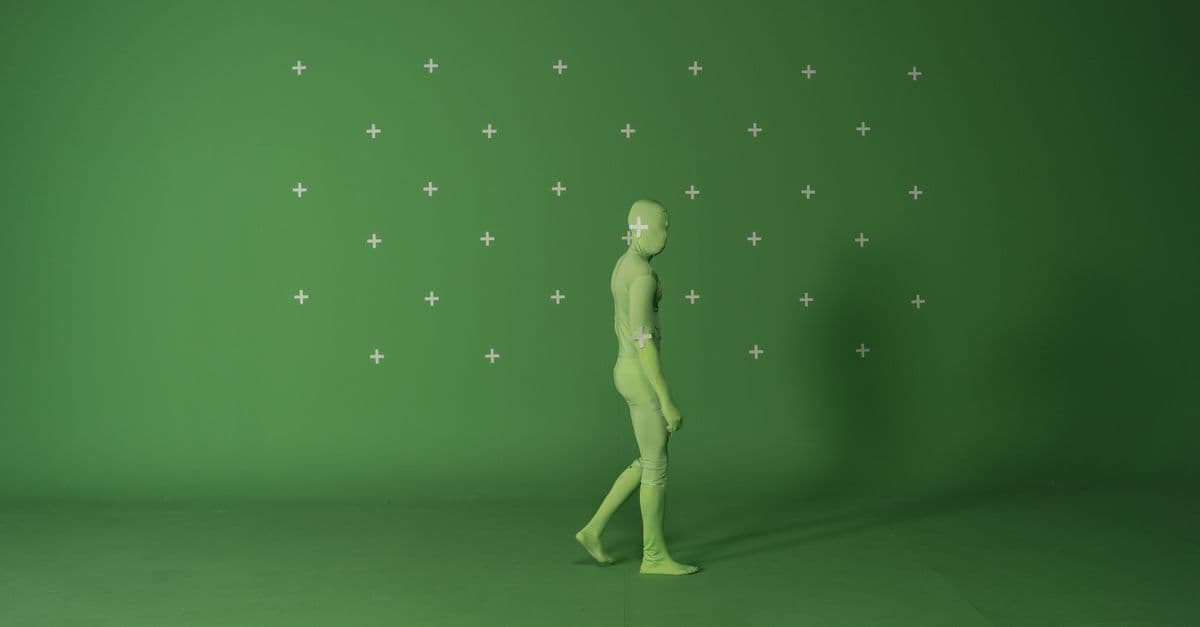
Matte Painting Composition & Reference Analysis
Analyze reference photos to extract perspective grids, lighting zones, and integration specs for ...
What You Can Do
You can systematically analyze reference materials to identify vanishing points, perspective grids, atmospheric depth zones, and lighting complexity. Claude extracts actionable technical data from photographs and plate footage, creating structured breakdowns that guide your painting decisions, eliminate integration rework, and ensure accurate perspective matching with live-action composites.
Features
Identify vanishing points, horizon lines, and spatial geometry from reference photos
Break down primary, secondary, and ambient light sources with direction, intensity, and color temperature
Mark practical set edges, camera view limits, and compositional constraints for seamless plate matching
Categorize foreground/midground/background elements and their depth cues for layered painting approach
Extract dominant color palettes, saturation ranges, and tonal contrasts from reference materials
Identify architectural details, material textures, and repeating elements needed for painting construction
Apply rule-of-thirds, golden ratio, and balance analysis to optimize matte integration with live-action framing
Example Output
Example 1: Architectural Extension
Input: Photograph of existing building facade with visible roof edge
Perspective Grid Analysis:
- Primary vanishing point: 37% right of frame, 22% down from top
- Secondary line convergence: extreme left (off-frame), suggesting 60° camera angle
- Horizon line: 58% up from bottom edge
Integration Boundaries:
- Practical roof edge ends at frame-right 84%
- Matte painting required: right 16% + upper 12% (sky extension)
- Mortar joint spacing: 8px (3" at plate scale) for detail consistency
Lighting Zones:
- Zone 1 (shadow): North-facing wall, cool 7500K, falloff ratio 3:1
- Zone 2 (rim): Architectural highlights, warm 4200K, 40% saturation
- Zone 3 (ambient): Sky bounce, desaturated cyan, subtle edge definition
Example 2: Landscape Matte Extension
Input: Plate showing horizon line with mountains, foreground action area
Atmospheric Depth Stratification:
- Foreground (action zone): Sharp focus, full saturation, warm temperature cast
- Midground (matte painting starts): Slight haze, 20% desaturation, atmospheric perspective begins
- Background: Heavy volumetric haze, 60% desaturation, 2-3 value steps lighter
Color Palette Extraction:
- Sky dominant: RGB(135, 165, 200), with 15% warm gradient toward horizon
- Mountain base: RGB(88, 72, 61), desaturating to RGB(110, 105, 100) at distance
- Atmospheric veil: Neutral cool cyan overlay, opacity increases with depth
Structural Elements for Painting:
- Ridge line geometry: 7-degree angle variation (not perfectly straight)
- Rock formation clustering: 3 primary peaks, secondary jagged breaks every 40-60 pixels
- Vegetation silhouette: Soft edge treatment, avoid hard definition beyond 300px atmospheric depth
What's Included
- SKILL.md: Complete reference analysis workflow with step-by-step guidance
- Reference Breakdown Template: Structured questionnaire for organizing reference materials before analysis
- Perspective Grid Worksheet: Vanishing point mapping and horizon line calculation guide
- Lighting Zone Analysis Chart: Color temperature, direction, and falloff ratio documentation framework
- Integration Checklist: Verify boundary alignment, scale consistency, and compositor handoff requirements
Who It's For
- Matte painters — executing environmental extensions and architectural paintings on tight schedules
- VFX supervisors — planning shot-level integration requirements and assigning painting scope
- Compositors — defining technical specs and integration boundaries before painting handoff
- Production designers — analyzing locations and concept feasibility for digital extension
- Layout artists — extracting spatial geometry and camera information from references for 3D planning
Best For
- Architectural extensions and building facades with visible perspective geometry
- Landscape and environmental paintings requiring atmospheric depth matching
- Sky replacements with complex lighting interaction and horizon line integration
- Set extensions and interior matte paintings with practical element matching
- Integration planning between live-action plates and digital painting execution
You might also like
You can generate production-ready audio documentation that bridges creative sound design and technical implementation. This skill produces asset inventories with precise technical specifications, engine-specific integration instructions for Unreal, Unity, Godot and proprietary engines, platform-aware optimization strategies for mobile/console/PC, and audio middleware configuration guides that development teams can directly implement without iteration cycles.
 by dliangthinks
Build detailed, shoot-ready plans that anticipate technical challenges and capture decisive moments under pressure. You'll generate venue-specific shot lists tailored to unique logistics, develop contingency workflows for unpredictable conditions (weather, lighting, timing delays), and coordinate multi-team coverage with clear positioning and equipment redundancy strategies. This skill transforms vague event briefs into actionable pre-production blueprints that keep you organized and confident on-set.
by dliangthinks
You'll develop systematic viral video strategies grounded in platform algorithms and audience psychology rather than guesswork. Analyze trending patterns, audience demand signals, and engagement metrics to create content calendars designed for maximum views, shares, and monetization. Move from reactive content creation to proactive strategic planning that justifies every creative decision with data.
by dliangthinks
Systematically troubleshoot failing simulations by identifying root causes in solver instability, constraint errors, cache corruption, and performance bottlenecks. You'll receive targeted diagnostic workflows, parameter tuning strategies, and rebuild recommendations that save render farm resources and maintain deadline adherence. This skill acts as your technical partner when simulations produce artifacts, crash mid-cache, or consume excessive memory.
by dliangthinks
Transform raw video analytics into platform-specific optimization plans that boost reach and engagement. You'll identify why certain videos outperform others, uncover trending patterns in your niche, optimize metadata and technical specs for algorithmic distribution, and systematically test creative approaches. This skill bridges creative instinct with data-driven decision-making to help you scale social video performance.
by dliangthinks
Plan comprehensive grade structures for multi-scene sequences, extract and analyze color palettes from reference imagery, generate technical LUT specifications for custom creation, and validate your grades against broadcast and cinema standards (ITU-R BT.709, DCI-P3, Rec.2020). This skill handles the analytical and planning work that precedes timeline color correction, helping you make faster aesthetic decisions and ensure technical compliance across projects.
by dliangthinks
You can diagnose root causes of cloth simulation failures—clipping, jittering, unrealistic wrinkles, and instability—by sharing solver logs, simulation parameters, and fabric behavior descriptions with Claude. The skill generates actionable debugging strategies and optimization techniques that preserve visual quality while reducing iteration cycles and compute time across Maya nCloth, Houdini, Marvelous Designer, and other industry solvers.
by dliangthinks
This skill helps you architect complete color strategies before grading sessions begin. You'll generate detailed shot-by-shot grading maps that synchronize visual mood to dynamic audio, develop LUT strategies for specific music genres with documented creative reasoning, establish technical parameter ranges per scene or musical section, and create mood board documentation that aligns stakeholder expectations early. By treating color as a primary creative element rather than post-production cleanup, you reduce revision cycles and deliver grades that amplify both narrative and musical intent.
by dliangthinks