


Audacity Podcast Production Workflow
Master Audacity for professional podcast production

What You Can Do
You can streamline your entire podcast workflow in Audacity with expert guidance on recording, editing, mixing, and mastering. Claude walks you through best practices for audio quality, batch processing, and troubleshooting, so you can produce professional-sounding episodes faster and with fewer errors.
Features
Configure input levels, sample rates, and audio interface settings for clean podcast audio
Generate checklists and shortcuts for trimming, noise removal, and multi-track editing
Step-by-step instructions for balancing vocals, reducing harshness, and achieving consistent levels
Techniques for applying effects consistently across multiple episodes using Audacity's macro features
Templates for seamless music layering, crossfading, and timing with spoken content
Optimized settings for MP3, WAV, and platform-specific requirements (Spotify, Apple Podcasts, RSS)
Solutions for latency, clipping, hum removal, and sync issues between tracks
Reusable project structures and naming conventions for efficient multi-episode workflows
Example Output
Recording Setup Guide:
- Configure microphone input: 16-bit, 44.1kHz, mono for speech, stereo for interviews
- Peak levels: aim for -6dB to -3dB (leave headroom for dynamics)
Quick EQ Recipe for Vocals:
- High-pass filter: 80Hz (remove rumble)
- Boost: 2-4kHz (presence)
- Reduce: 7-10kHz if harsh (de-esser effect)
- Compress: 4:1 ratio, -20dB threshold
Export Checklist:
- Normalize to -1dB peak
- Add metadata (title, artist, date)
- Test playback on phone speakers
- Export as MP3 (128 kbps for voice, 192+ for music)
What's Included
- SKILL.md: Complete Audacity podcast production workflows with decision trees for recording, editing, and mixing scenarios
- Recording Checklist: Pre-session audio device setup and level verification
- EQ/Compression Recipes: Copy-paste settings for common voice types (male, female, warm, bright)
- Project Templates: Audacity project structure for single-host, co-hosted, and interview formats
- Export Profiles: Platform-specific bitrate and metadata guidelines
- Troubleshooting Decision Tree: Flowchart for diagnosing audio problems
Who It's For
- Independent podcast creators building from scratch
- Audio engineers optimizing Audacity workflows
- Content creators transitioning from other DAWs
- Small podcast networks managing production at scale
- Aspiring voice actors and narrators
Best For
- Designing efficient recording and editing workflows
- Solving audio quality and mixing issues
- Batch processing episodes with consistent settings
- Learning professional podcast production techniques
- Setting up project templates for recurring production cycles
You might also like
You can architect and optimize your Logic Pro sessions for professional mixing, routing, and production efficiency. Claude guides you through session design decisions, routing strategies, and workflow optimization to reduce setup time and improve mix consistency across projects.
You can diagnose exactly where prospects drop off in your funnel, quantify the impact of each bottleneck, and receive prioritized optimization strategies backed by conversion metrics. This skill analyzes your funnel architecture, identifies friction points, and delivers actionable experiments (A/B tests, copy changes, UX improvements) ranked by expected revenue impact.

This skill helps you develop comprehensive social media strategies tailored to your audience demographics and platform dynamics. You'll optimize posting schedules, identify high-performing content themes, and create actionable engagement plans that drive measurable growth and community building across all major social platforms.

Upload your affiliate program data and let Claude analyze performance patterns, identify underperforming partners, and recommend commission structures that maximize revenue. You'll receive data-driven insights on cohort performance, churn risk, and optimization opportunities—all backed by clear metrics and actionable recommendations.

Create compelling brand names that align with your market positioning, target audience, and business goals. You'll receive 15-25 strategically-sound candidates, each with linguistic analysis, competitive positioning assessment, and cultural implications reviewed. Every recommendation includes domain availability status, trademark conflict identification, and actionable launch strategy guidance.

You can quickly structure competitor research, map competitive positioning across markets, and identify white space opportunities. The skill synthesizes company data, product analysis, and market trends into actionable strategic recommendations that inform your go-to-market strategy and product roadmap.

You can architect sophisticated audience segments within your DMP, optimize them for campaign performance, and map audiences across marketing channels. This skill helps you classify customer data into actionable segments, define activation rules, analyze segment quality metrics, and recommend optimization strategies based on your business objectives and data constraints.
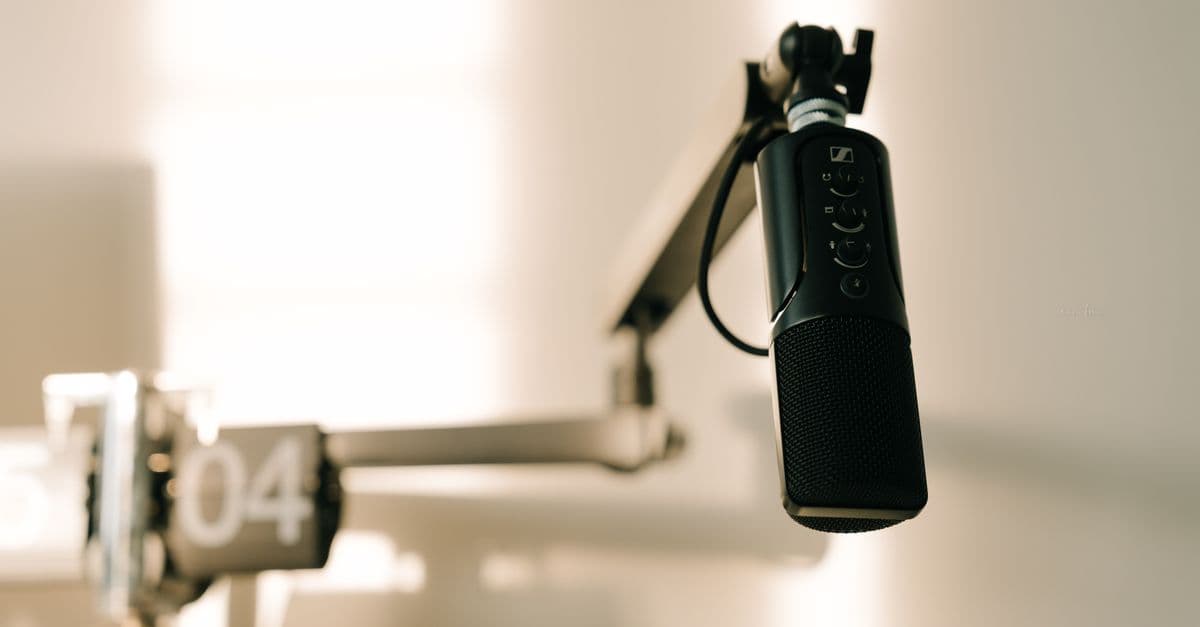
You can master professional podcast audio editing, mixing, and mastering workflows using Audacity with Claude-guided processes that transform raw recordings into broadcast-quality episodes. Claude provides step-by-step instructions for noise reduction, multi-track mixing, dynamic range control, and mastering optimization tailored to your podcast's mic setup and distribution requirements. Automate repetitive editing tasks and achieve consistent audio quality across entire episode catalogs.
 by a7garden