

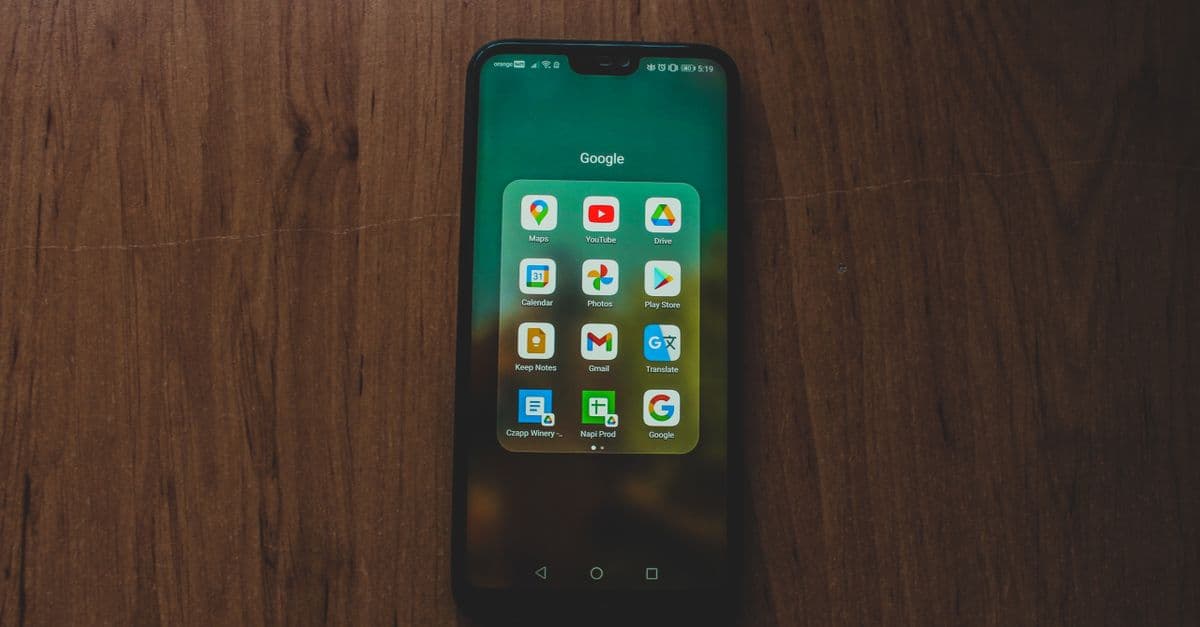
Mobile App Icon
Generate professional mobile app icons with AI image generation
What You Can Do
Generate professional-quality app icons for iOS, Android, and web platforms using your choice of OpenAI or Gemini image generation models. Customize icon dimensions, aspect ratios, visual styles (minimalism, glassy, woven, geometric), and quality settings to match your app's brand identity. Batch-generate multiple icon variations in a single command.
Features
Use OpenAI (GPT Image, DALL-E 3, DALL-E 2) or Gemini (3 Pro, 2.5 Flash) for icon generation
Generate iOS 1024x1024 icons, Android adaptive icons, and custom aspect ratios (1:1, 16:9, 9:16, 4:3, 3:4)
Choose from minimalism, glassy, woven, and geometric styles to match design trends
Adjust quality levels (auto, high, medium, low, hd, standard) based on your requirements
Create up to 10 icon variations in one command (OpenAI only)
Toggle between transparent and opaque backgrounds for flexible use cases
Configure both OpenAI and Gemini keys and switch between them per generation
Bypass style templates and use custom prompts for full creative control
Example Output
Example 1: Minimalist iOS Icon
$ generate.sh "A weather app icon showing a sun and cloud" --model dall-e-3 --style minimalism --size 1024x1024
→ icon.png (1024x1024, clean lines, 3-color palette)
Example 2: Geometric Android Icon with Transparency
$ generate.sh "Productivity task management app icon" --model gemini --style geometric --background transparent --aspect-ratio 1:1
→ icon.png (transparent PNG, bold geometric shapes)
Example 3: Batch Generate Multiple Styles
$ generate.sh "Finance calculator app" --model gpt-image-1 --num 3 --style glassy --quality high --output finance_icon
→ finance_icon_1.png, finance_icon_2.png, finance_icon_3.png
What's Included
- SKILL.md instruction file with full API configuration guide:
- Bash script wrapper for OpenAI and Gemini API calls:
- Config template for managing multiple API keys:
- Style preset library (minimalism, glassy, woven, geometric):
- Size reference guide for iOS, Android, and web platforms:
- Command reference with all model-specific options and constraints:
Who It's For
- Mobile app designers and developers building iOS/Android applications
- UI/UX designers creating visual assets for app launches
- Startup founders rapidly prototyping app branding
- Indie developers automating icon generation workflows
- Design agencies delivering multiple icon variations to clients
Best For
- Creating production-ready app icons for iOS App Store and Google Play
- Generating multiple icon style variations for A/B testing
- Automating icon asset generation during app development sprints
- Prototyping app concepts with branded visual identity
- Batch-producing icons for app suites or icon families
You might also like

You provide a structured JSON slide specification with your finalized copy, layouts, and content blocks. Claude renders each slide as a branded 1080×1350 PNG carousel visual using your template, typography, color system, and design guidelines. This is a pure rendering tool—it doesn't write or edit your copy, only visualizes it at LinkedIn-native dimensions with consistent brand application across all slides.
 by tumes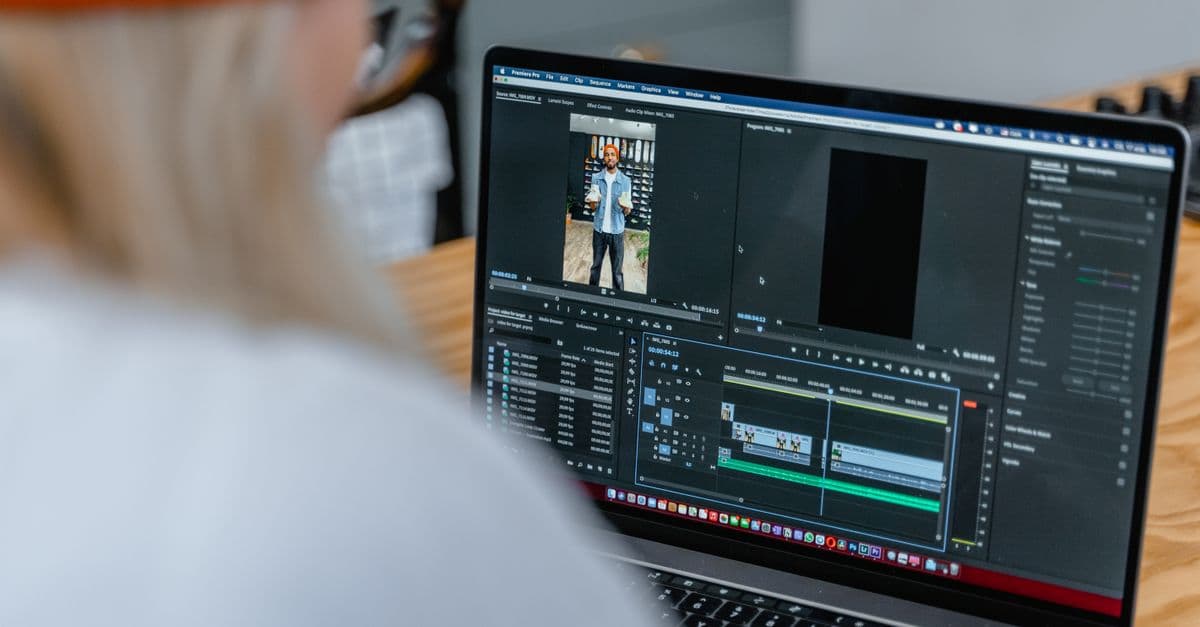
You can architect efficient multi-camera editing workflows optimized for Final Cut Pro, plan robust synchronization strategies across multiple camera angles, and design realistic production timelines that prevent bottlenecks. This skill transforms complex multicam shoots into streamlined editorial pipelines tailored to your team size, budget, and output deadlines.
 by majiayu000
You can rapidly produce news stories from research to publication, automatically optimizing content for web, social media, and email platforms. Claude helps you generate SEO-friendly headlines, craft engaging social snippets, structure compelling narratives, and manage your publishing workflow—all while maintaining editorial quality and deadline pressure.
by majiayu000
Analyze out-of-band (OB) signal patterns to detect degradation, intermittency, and latency anomalies. Generate failover runbooks that automate detection-to-recovery workflows, reducing MTTR. Execute blind diagnostics when primary channels fail, identifying root causes through log correlation and metric analysis.
by majiayu000
You generate production-ready design briefs from client requirements, automatically check dozens of designs for brand consistency violations, and orchestrate batch workflows with approval checkpoints. This skill ensures every design aligns with your brand guidelines while accelerating your design approval cycle by weeks.
by majiayu000
You can design and render image templates (OG images, social cards, thumbnails) and video templates (animated sequences, GIFs) using JSX and Tailwind CSS styling. The skill handles template management via the loopwind CLI, configuration setup, and batch rendering with dynamic props—outputting production-ready PNG, WebP, JPEG, SVG, MP4, and GIF files.
 by tomtev
You can organize intricate multi-track timelines with nested sequences, manage high-resolution and proxy workflows, and generate detailed technical specifications for multi-format delivery across broadcast, streaming, and archival standards. Claude analyzes your project structure, tracks media dependencies, and creates implementation roadmaps that ensure smooth handoff to colorists, sound designers, and delivery teams.
by majiayu000
Analyze your Premiere Pro projects to identify performance bottlenecks, memory issues, and rendering inefficiencies. You'll receive targeted optimization recommendations, automation scripts, and troubleshooting guidance tailored to your specific system configuration and project complexity. Claude becomes your technical production consultant, helping you resolve crashes, slow timelines, and resource conflicts.
by majiayu000